Changing Menu Items
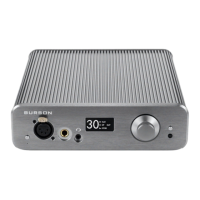
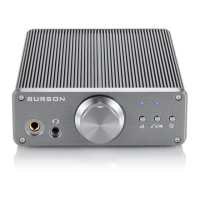
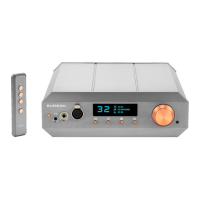
● To change the menu item settings press the Menu button to access the Menu.
● Use the rotary Volume control to scroll through the menu items.
● Select a Menu item by pressing the Volume dial inwards.
● Additional choices can be made using the scroll and select function of the Volume dial.
● Press the Menu button to remember the setting and escape from the Menu.
FIR Filters
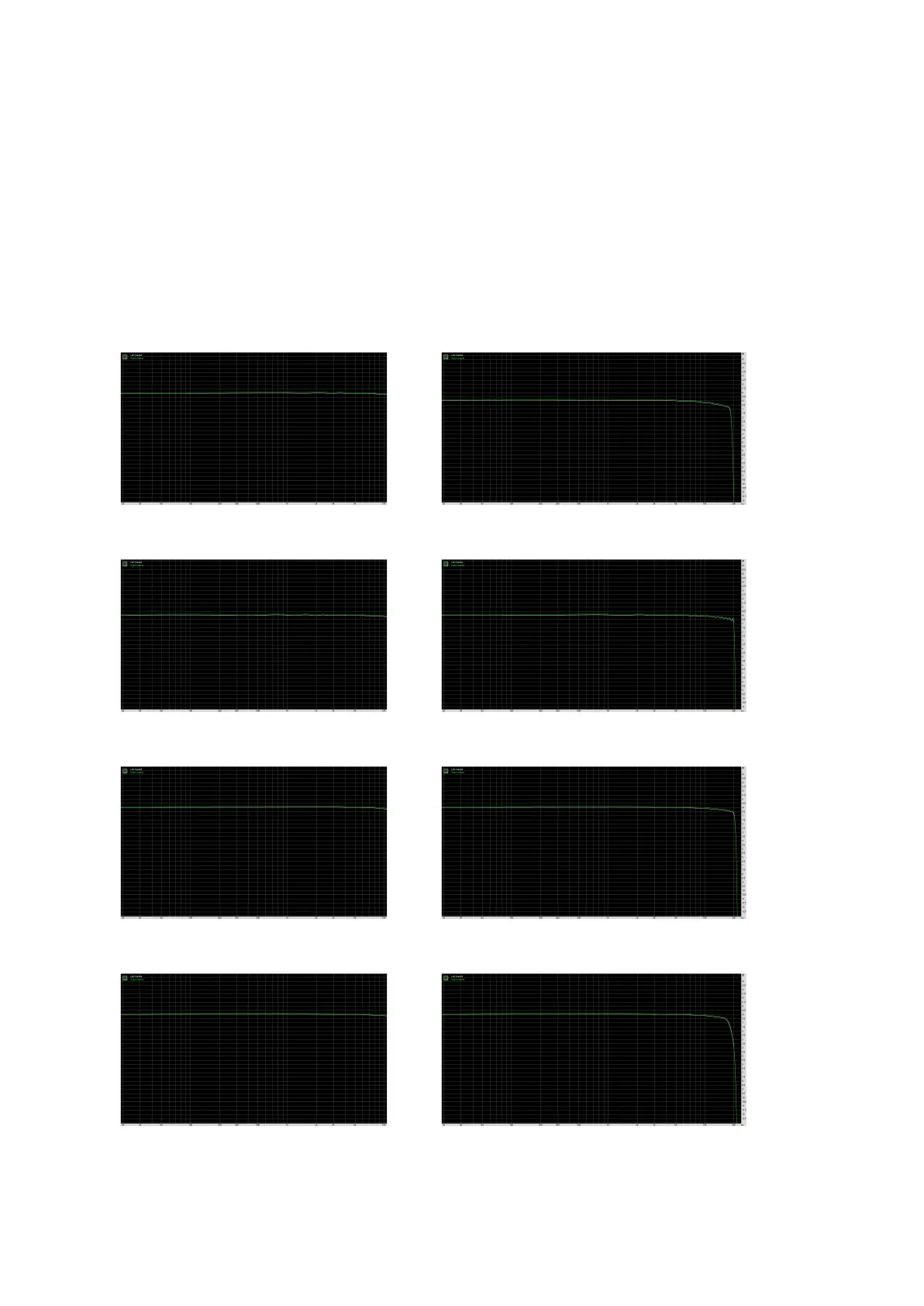
See a visual representation of the various FIR filter settings below.


 To Next Page