R
18
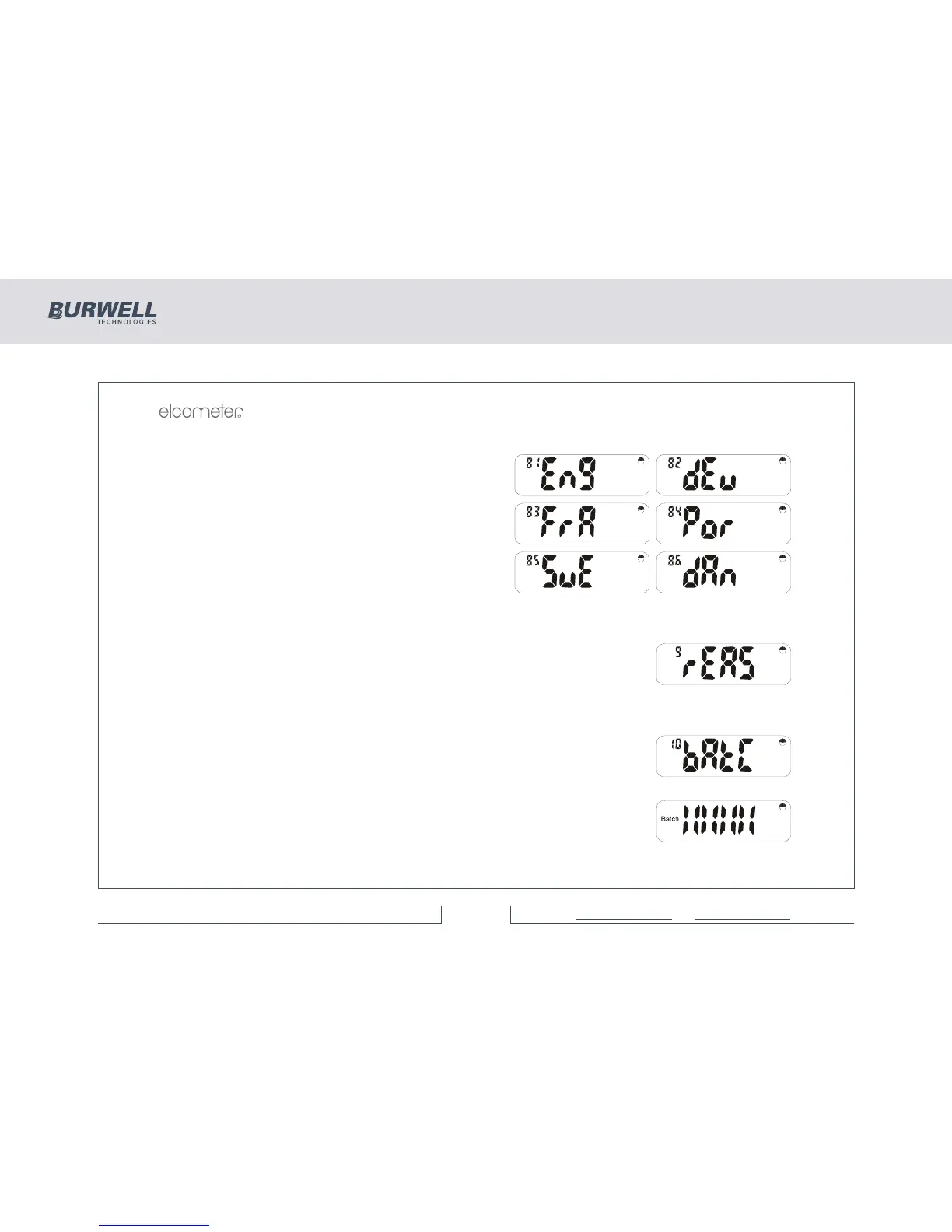
The following languages are available:
English German
French Portuguese
Swedish Danish
Press [SETUP], [ENTER] or [Esc] to return to the ‘LAn’
display.
6.9 REASONABLE LIMITS FUNCTION
Not available with standard software.
The ‘nA’ message will be displayed and the Elcometer 355 then exits the SetUp
Menu automatically.
6.10 AUTOBATCH
This signifies the Autobatch entry Menu.
Note: If a batch is selected the batch symbol is on.
Pressing [ENTER] will consecutively display the following information:
This display shows the memory level for approximately 1 second.



 To Next Page