R
17
6.6 BATTERY FUNCTION
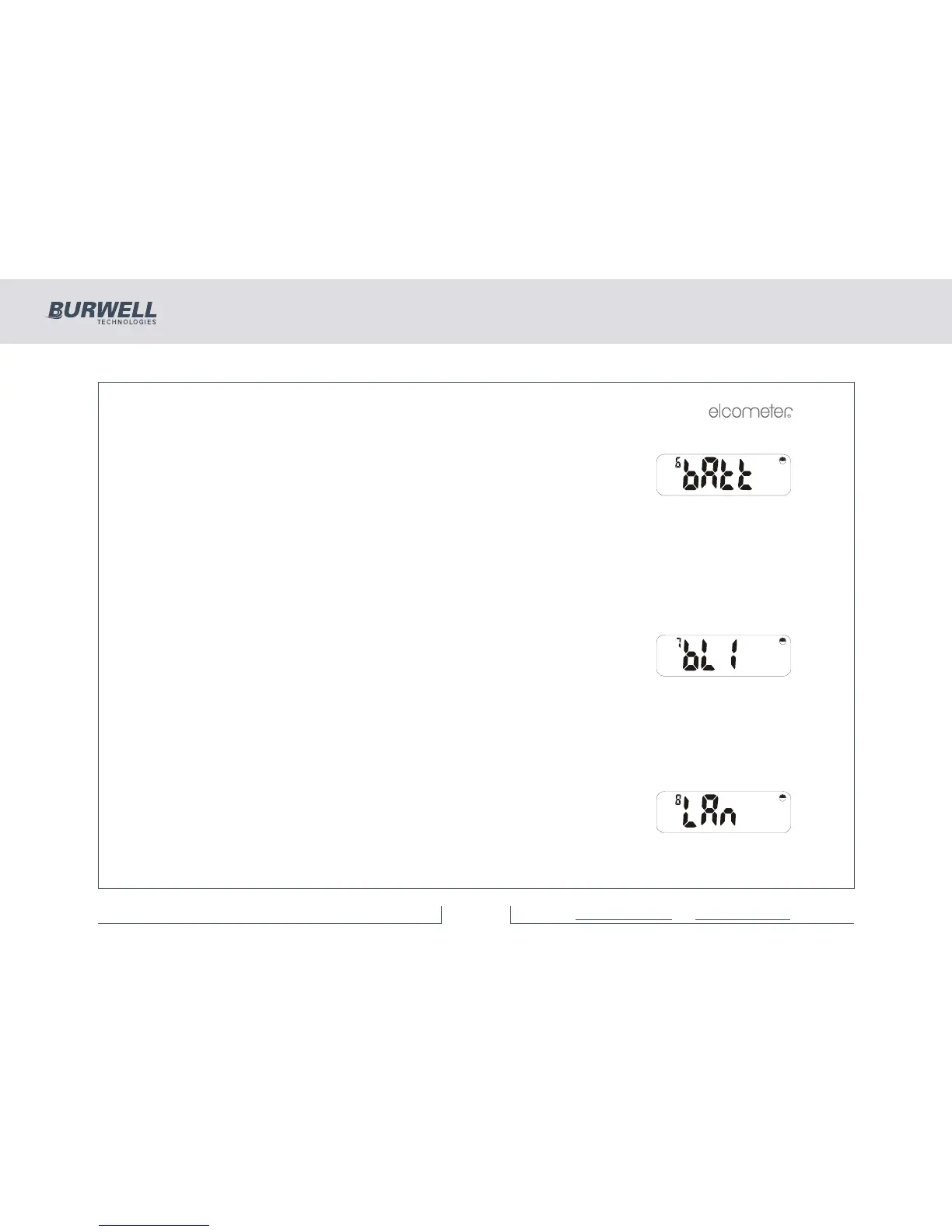
Having pressed [SETUP], use [<] or [>] to select:
Press [ENTER] to show the battery level as a number of units. New alkaline
batteries should display approximately 220 units. New Rechargeable batteries
should display approximately 180 units. All batteries need to be replaced at
readings of approximately 145. Note that Elcometer supplied rechargeable batteries should give a life of
1hr. between a flashing and a constant battery symbol, but alkaline batteries should last for a number of
hours.
Press any operations key to return to the ‘bAtt’ display.
6.7 BACKLIGHT FUNCTION
Having pressed [SETUP], use [<] or [>] to select:
Backlight Enable/Disable.
Press [ENTER] and use [<] and [>] to toggle between:
on - Ensures the backlight is on at all times when required, but timed to maximise battery life.
oFF - The backlight will be off at all times except for power up display test.
Press [ENTER] to set this option or [Esc] to cancel the operation.
6.8 LANGUAGE FUNCTION
Having pressed [SETUP], use [<] or [>] to select:
Language formats used on printouts.
Press [ENTER] to see which language version is active.



 To Next Page