R
16
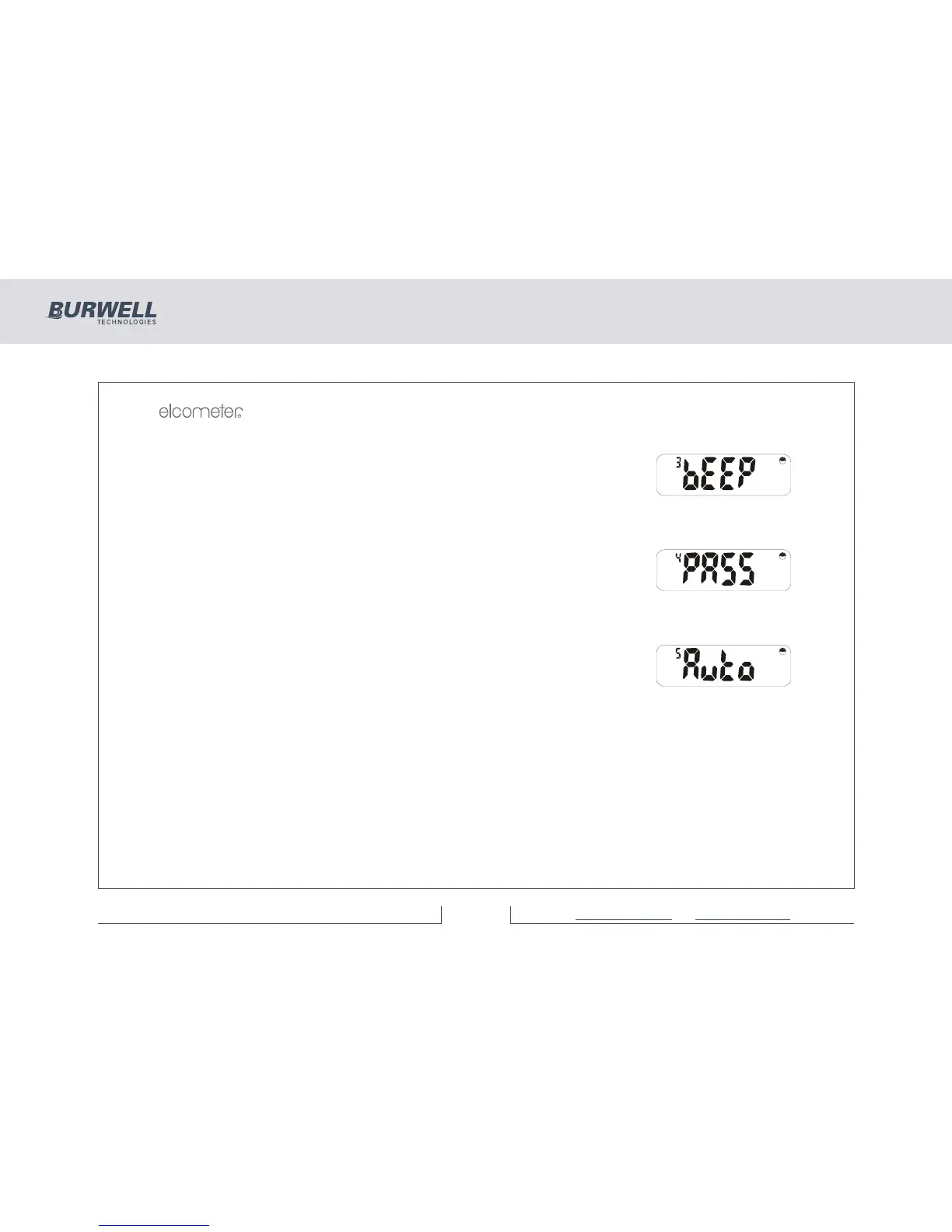
6.3 BEEPER FUNCTION
Having pressed [SETUP], use [<] or [>] to select:
Press [ENTER], and set beeper volume level using [<] or [>] (1 - 4 or 0 for none).
Press [ENTER] to return to the ‘bEEP’ display or [Esc] to cancel the operation.
6.4 PASSWORD FUNCTION
Having pressed [SETUP], use [<] or [>] to select:
Password Function
(not available on Elcometer 355 model Standard)
6.5 AUTO MEASUREMENT MODE FUNCTION
Having pressed [SETUP], [<] or [>] selects:
This mode takes readings automatically and displays them digitally in the chosen
units giving a form of analogue display. Press [ENTER] and use [<] and [>] to
toggle between:
no - Normal digital Coating Thickness mode.
YES - Produces readings automatically.
The beeper should be turned off to stop it sounding continuously. Press [ENTER] to set this option or [Esc]
to cancel the operation.



 To Next Page