R
15
Use [<] or [>] to select any of the following five sub functions:
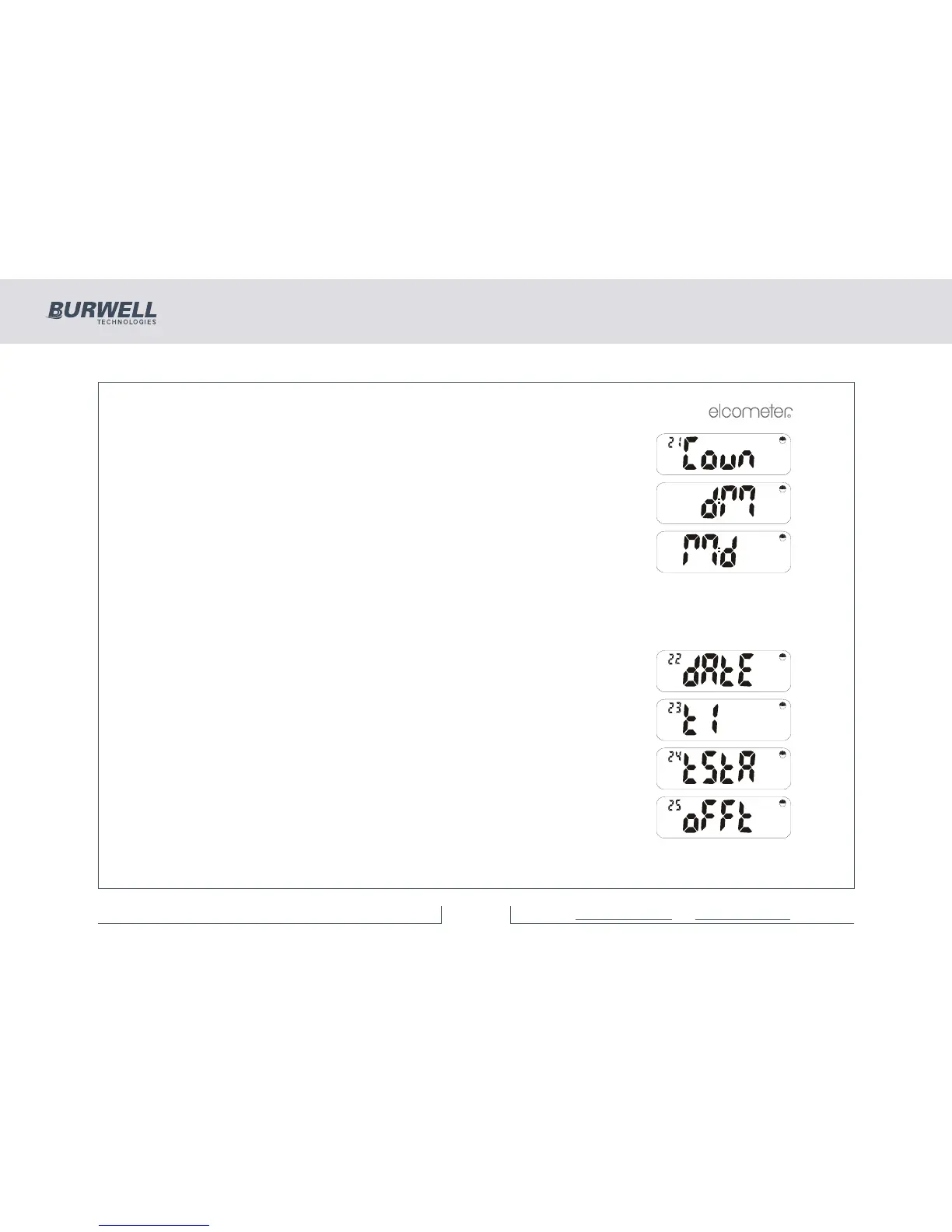
Date format by Country
There are two date formats available:
or
d:M for Day:Month (UK)
M:d for Month:Day (USA)
Press [ENTER] or [Esc] to return to the ‘Coun’ display.
Continue stepping through the time and date functions by using [>]. Press [ENTER] at the required option
and use [<] and [>] to select within that option ([Esc] cancels the operation):
Set day/month and year).
Set time of day.
Time stamp (not available on Elcometer 355 model Standard).
Switch off timeout period in minutes (1-30) or 0 for none.



 To Next Page