R
14
Continue stepping through the Printer SetUp Menu by using [>]. Press [ENTER] at the required option and
use [<] and [>] to select within that option ([Esc] cancels the operation):
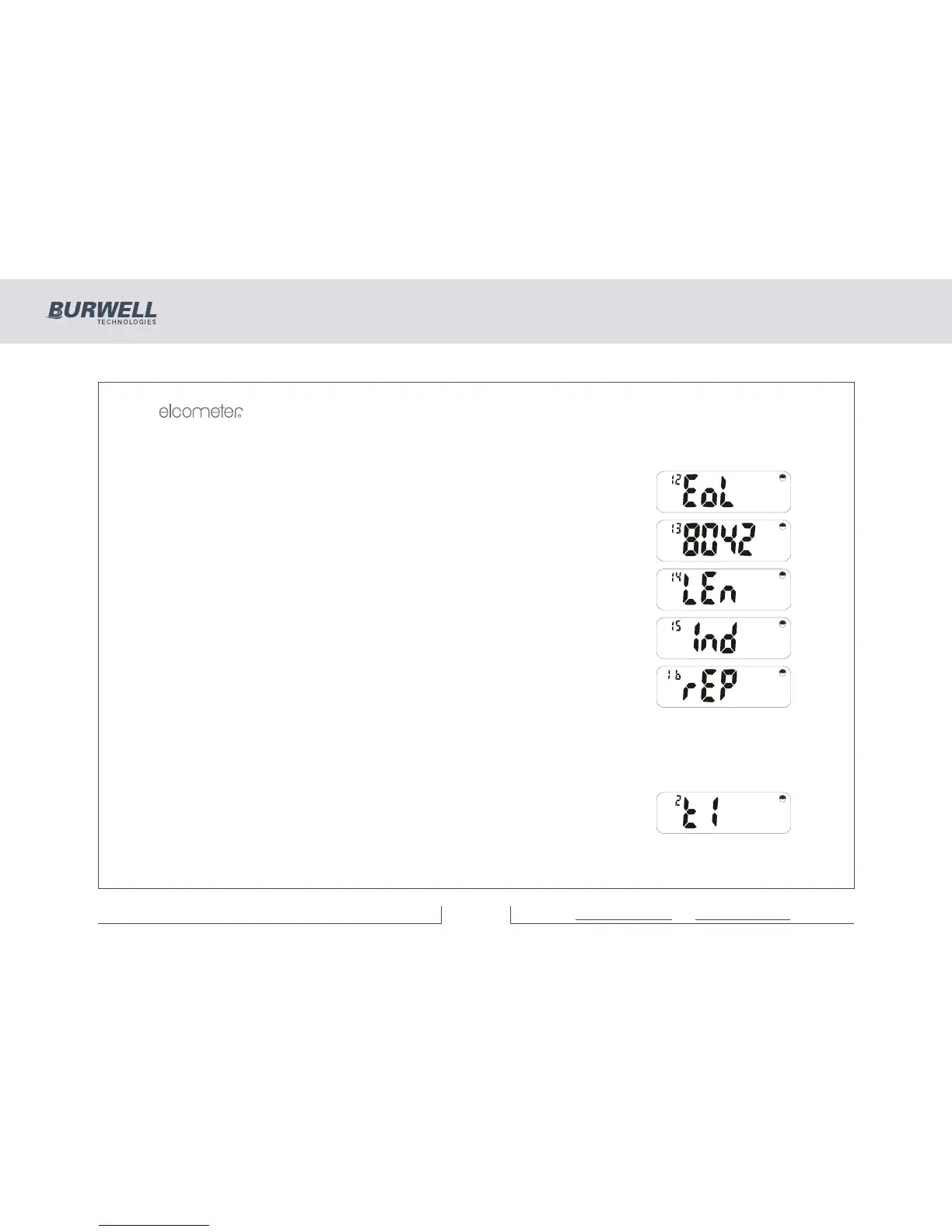
End of line character is Cr or CrLF.
Selects 80 or 42 column printing (42 col. for Elcometer Portable Printer).
Page length 0-100 lines (0 for continuous printing).
0-10 spaces of indentation from left (not available with 42 column printer).
Type of report: Full or PArt (no readings).
6.2 DATE AND TIME
When setting the date and time, the display flashes a 2 digit pair for day, month, hours or minutes. These
may be adjusted up or down by using [<] and [>] respectively. The year is a 4 digit number with limits of
1994 and 2093 and is adjusted using the [<] and [>] keys as before.
Having pressed [SETUP], use [<] or [>] to select, followed by [ENTER]:
Date and Time Sub Functions.



 To Next Page