R
25
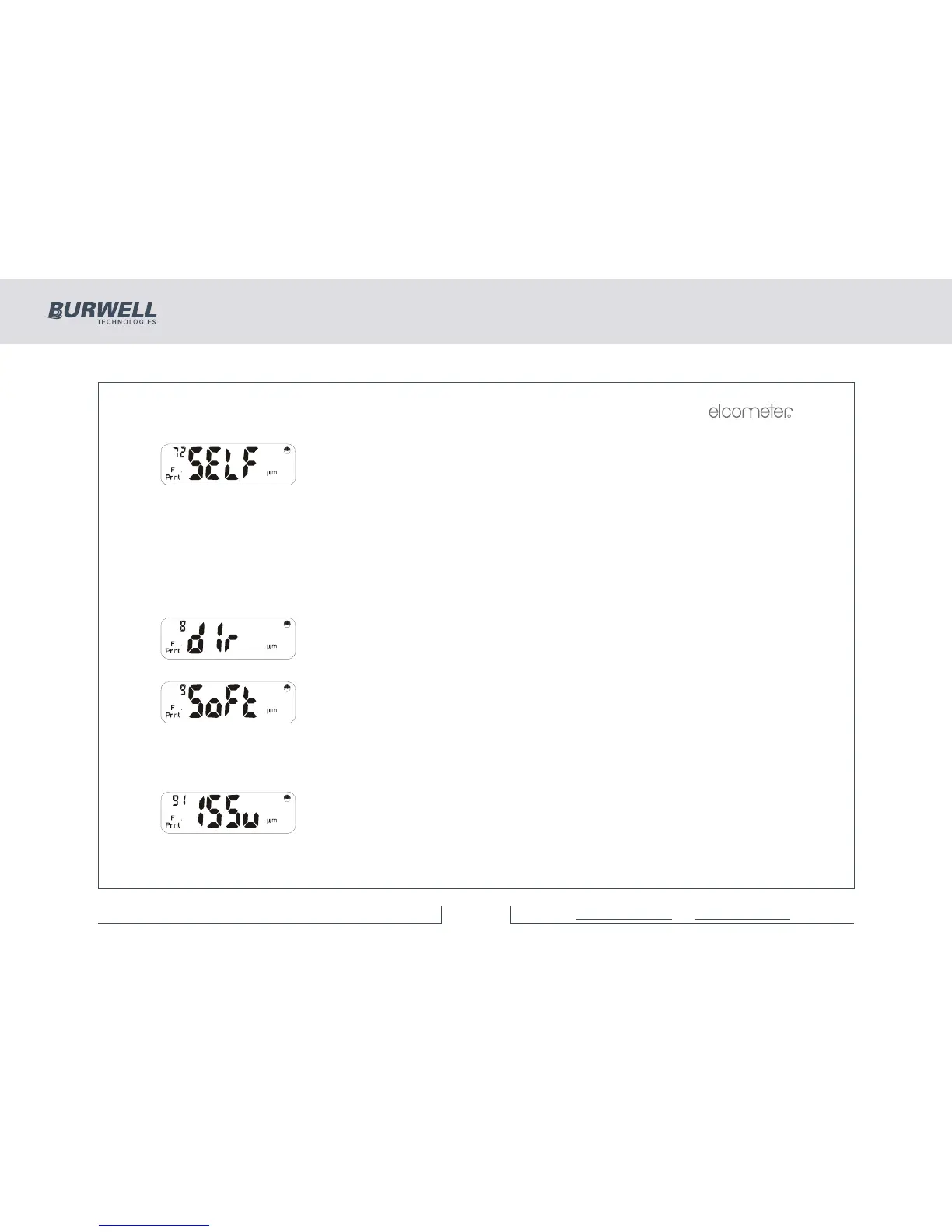
Use [<] and [>] to select the required sub-function of transfer mode.
Sub-functions 72 to 76 (incl.) mimic print functions 2 to 6 shown previously.
Note: Sub-functions 71 (COnt) and 70 (oFF) are not available in the Elcometer
355 standard model. (If the User tries to operate either of these 2 sub-functions,
the ‘nA’ message will be displayed before being returned to the ‘trAn’ display).
Press [SETUP] or [Esc] to return to the ‘trAn’ display.
Continue with [>] to view
Press [ENTER] to print out a ‘directory’ of all batches stored within the
instrument. Data will include probe type, scale and number of readings. Press
[ENTER], [SETUP] or [Esc] to exit this option.
Press [ENTER] to view a number of software related functions.
Use [<] and [>] to select the required sub-function (numbers 91 to 96 incl.) as
follows:
Press [ENTER] to display the software issue and version no. in form V.xx where
x = issue no.



 To Next Page