R
26
Note: The batch symbol may be displayed if the instrument is in batch mode when the [PRINT] key is
pressed. Also the units symbol will be dependent upon the units in use. For simplicity, µm are shown in all
of the above displays.
* Detail depends on the setting of Report - whether it is Full or PArt.
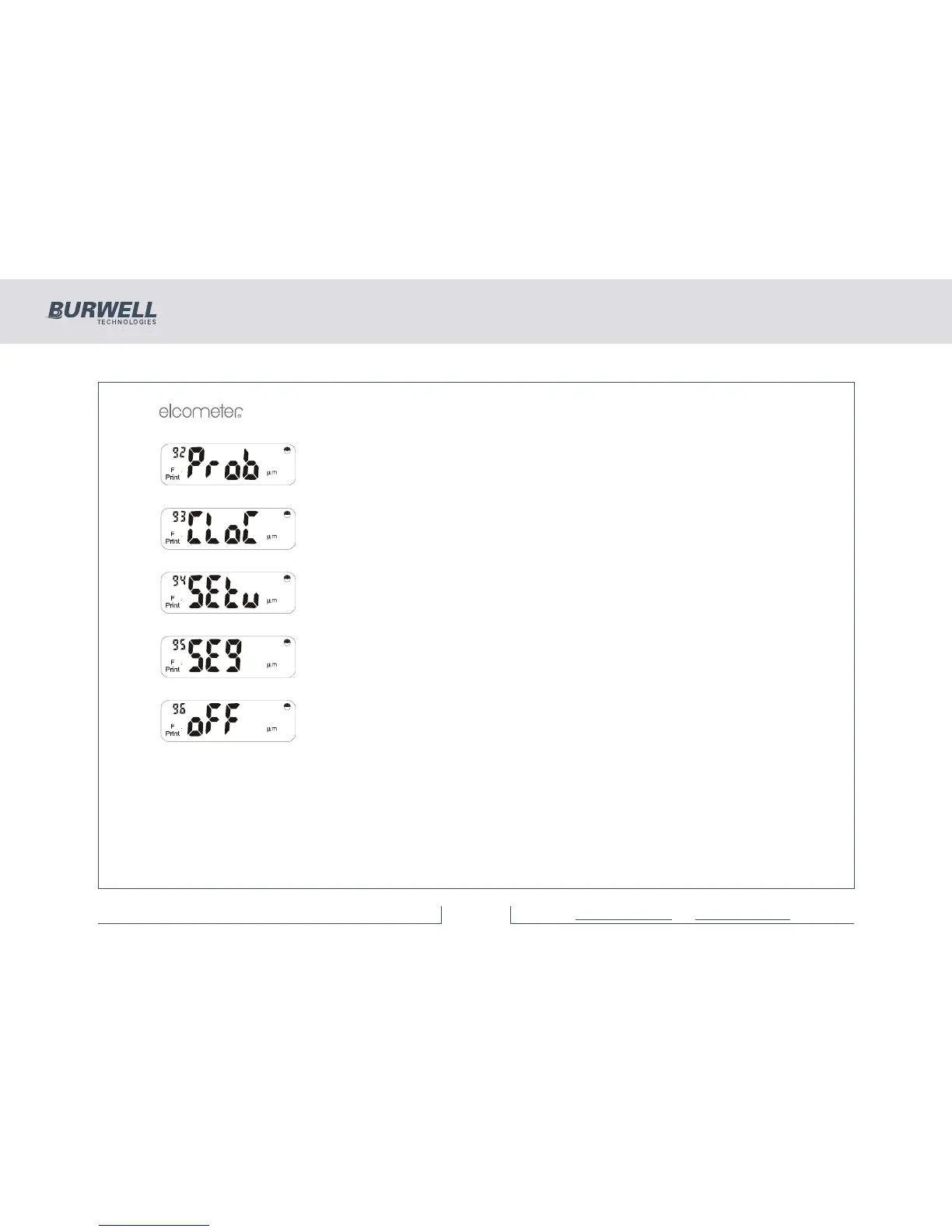
Press [ENTER] to display the probe type and scale number.
Press [ENTER] to display the current time, with the seconds in the small reading
number display. Press any key to exit.
Press [ENTER] to print out the current setup parameters as detailed in ‘Setup ‘.
Press [ENTER] to show all display segments and show the backlight is working.
Press [ENTER], [Esc] or [SETUP] to end.
Press [ENTER] to turn the Elcometer 355 off, or [Esc] or [SETUP] to return to the
‘SoFt’ display.



 To Next Page