18
For any help concerning set up and use of your TV please call the Customer Helpline: 0871 2000 463
Tip: If you do not press any buttons for 30 seconds,
the menu will automatically exit. You can change the
length of time before the menu exits automatically -
see ‘Menu Duration’ section.
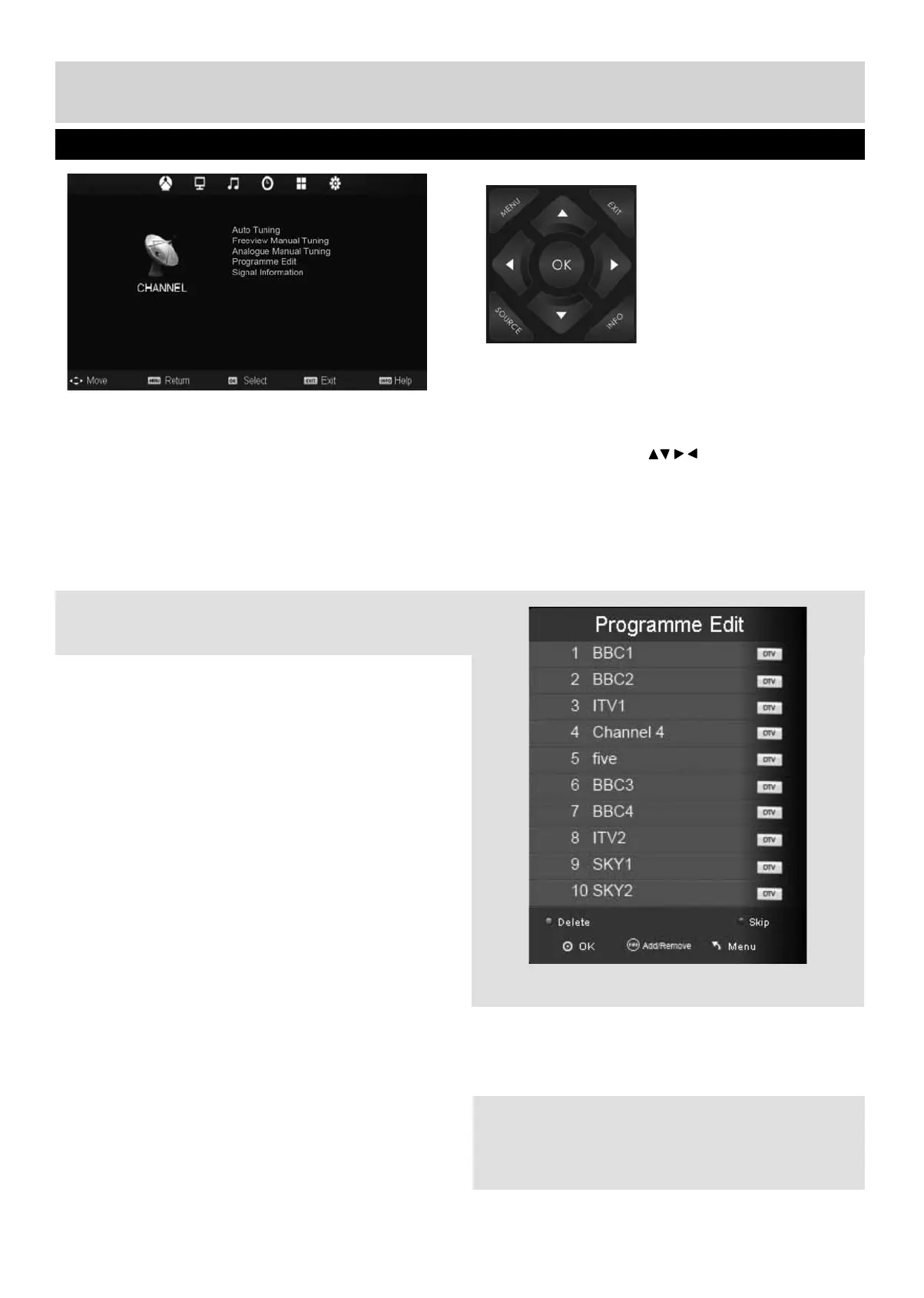
Auto Tuning
Allows you to retune the television for all digital
channels, digital radio stations and analogue
channels.
Freeview Manual Tuning
Allows you to manually tune your digital signal
Analogue Manual Tuning
Allows you to manually tune your analogue signal
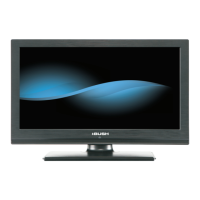
Programme Edit
Allows you to delete, skip and add favourite channels.
Signal Information
Allows you to view signal frequency, signal quality
and signal strength
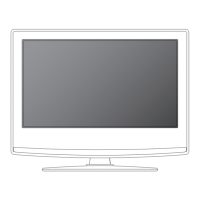
To access this menu, press [MENU] button on the
remote control and scroll right.
To enter a menu press [OK]
If you wish to make changes to any of the default
settings, use the scroll buttons. To confi rm
any settings press [OK] button.
To exit this menu at anytime, press [EXIT] button.
Channel Menu
UserGuide - Bush -50-211F Home Mode.indd Sec1:18UserGuide - Bush -50-211F Home Mode.indd Sec1:18 11/8/2013 3:54:51 PM11/8/2013 3:54:51 PM


 To Next Page