BCR30DAB
13
Setting Station Presets
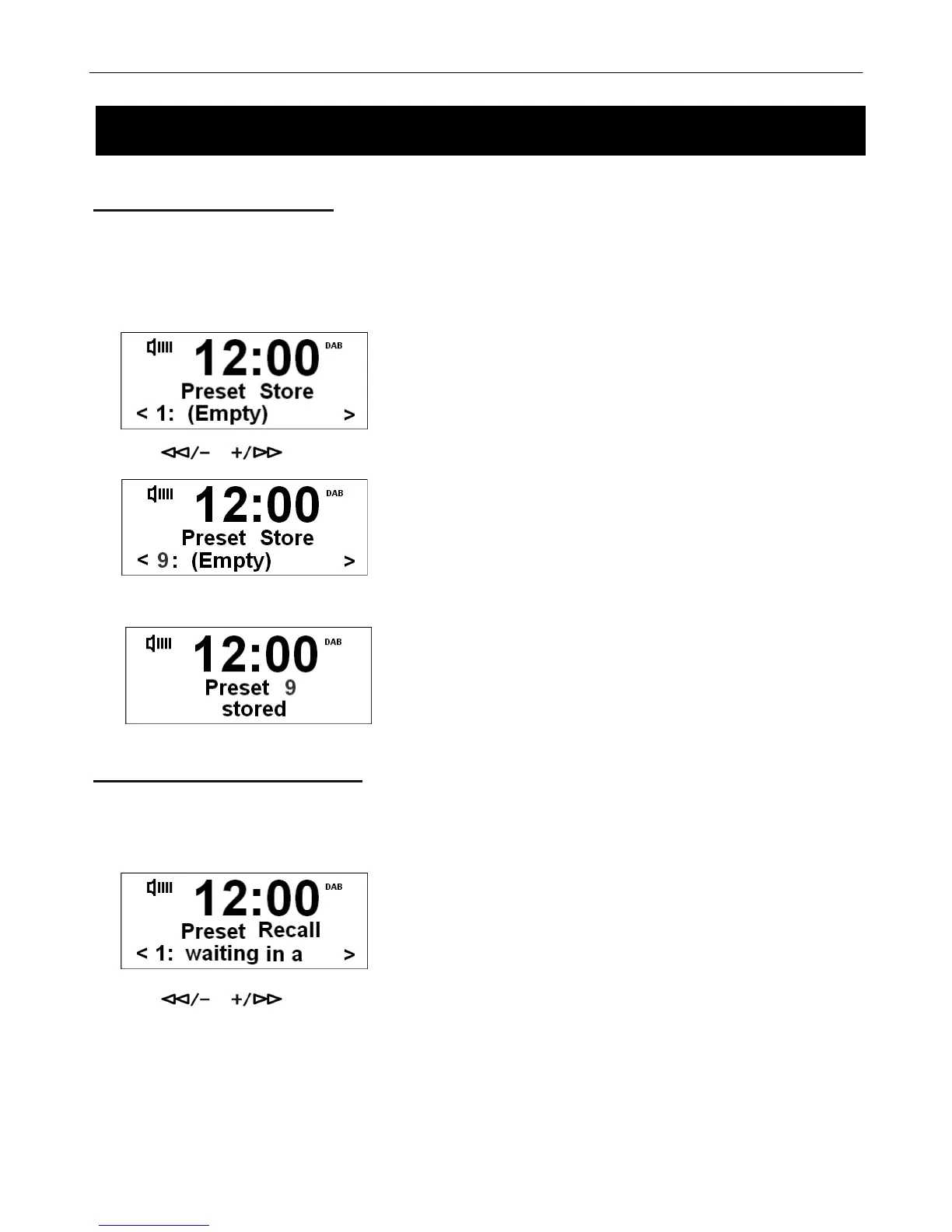
Your radio can store 10 DAB+ & 10 FM station presets. To store presets:
# Note: this is the same for DAB+ and FM Radio stations.
1. While playing your favourite station, press and hold the PRESET button.
2. Press or to cycle through preset stations 1-10.
3. Then select your preferred preset station. Press the SELECT/NAV button to confirm.
Selecting a Preset Station
To select a stored station:
1. Press the PRESET button.
2. Press or to select your preferred preset station, then press SELECT/NAV to confirm.
Using your DAB+ & FM Radio



 To Next Page