BCR30DAB
18
How to Enter System Setup
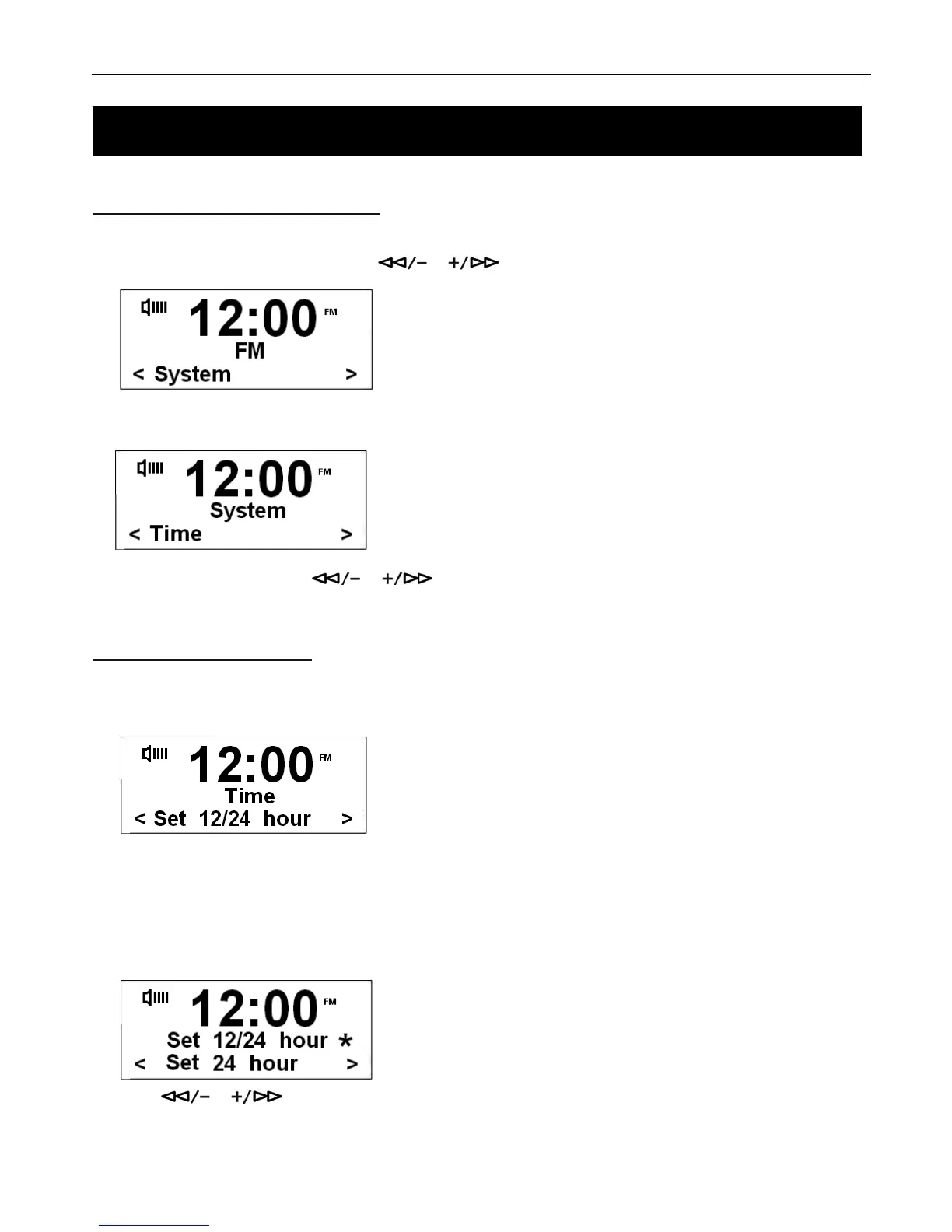
1. Press the MENU button and then press or to select System Menu.
2. Press the SELECT/NAV button to confirm.
3. Once in System Menu, press or to cycle through options, including ‘Time’, ‘Backlight’, ‘Factory
Reset’, ‘SW version’.
How to Set the Clock
1. Select System Menu and then select Time option.
# Note: You can set the clock two ways ‘Manually’ and ‘Auto update’.
Choose 12/24 Hour Format
a. Once in the Time System Menu, you can select to set 12 or 24 hour format. Then press SELECT/NAV to confirm.
b. Press or to choose 12 hour or 24 hour time, then press the SELECT/NAV to confirm.
System Setup



 To Next Page