BCR30DAB
8
# Note: When you turn on the radio it will automatically search the stations available. You should conduct an additional full scan
to ensure all stations are picked up and stored.
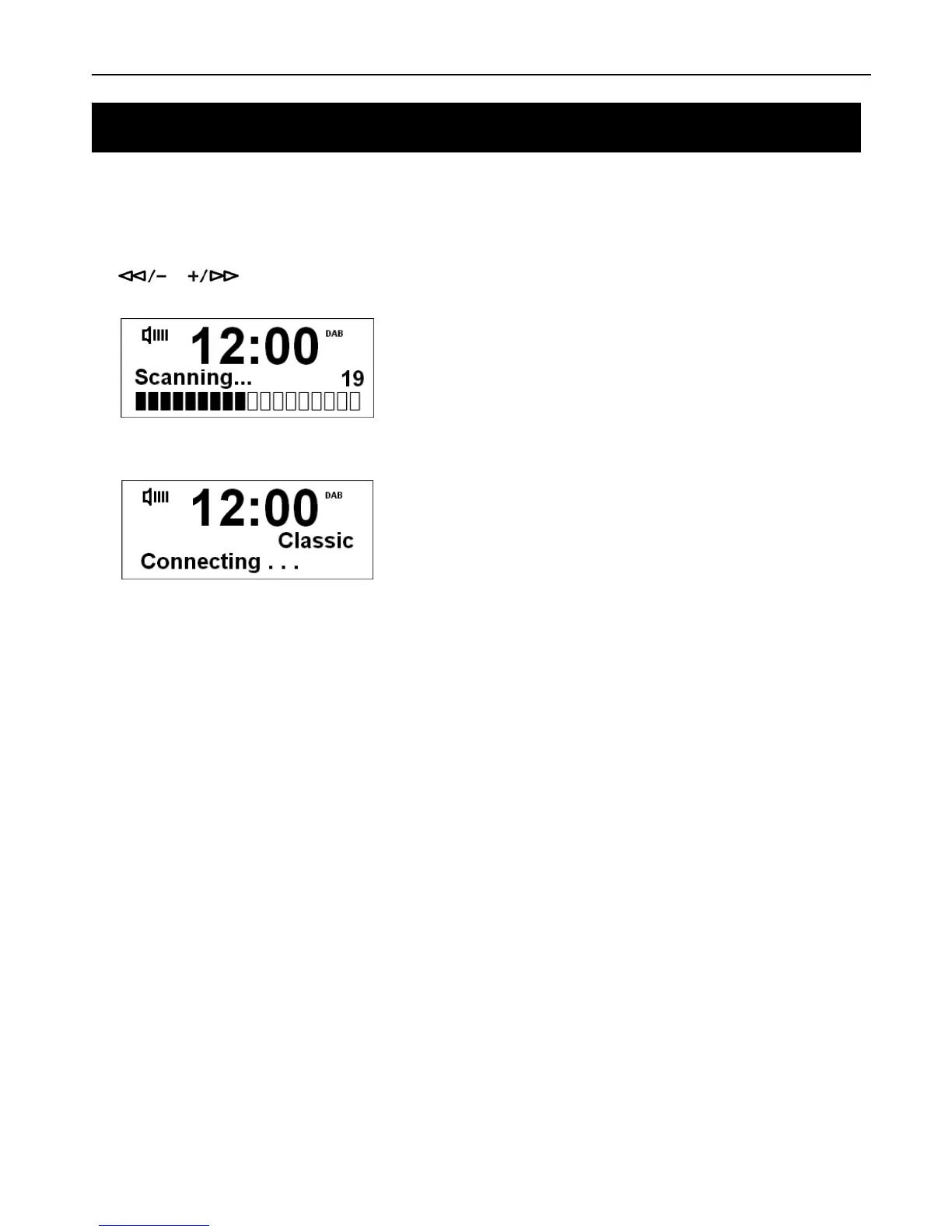
For initial use, conduct a full scan to auto search and store all DAB+ Radio Stations. Press the menu button and use
the
or buttons to select the full scan option. Press SELECT/NAV to confirm.
The full scan may take 1-2 minutes to complete. All stations will be stored.
# Note: 1. the DAB+ stations will be displayed in alphanumeric order. The first station in the list will be selected.
2. If no DAB+ signal is found in your area, it may be necessary for you to relocate your radio. Also make sure your
postcode is listed on the Digital Radio website.
Getting Started



 To Next Page