BCR30DAB
17
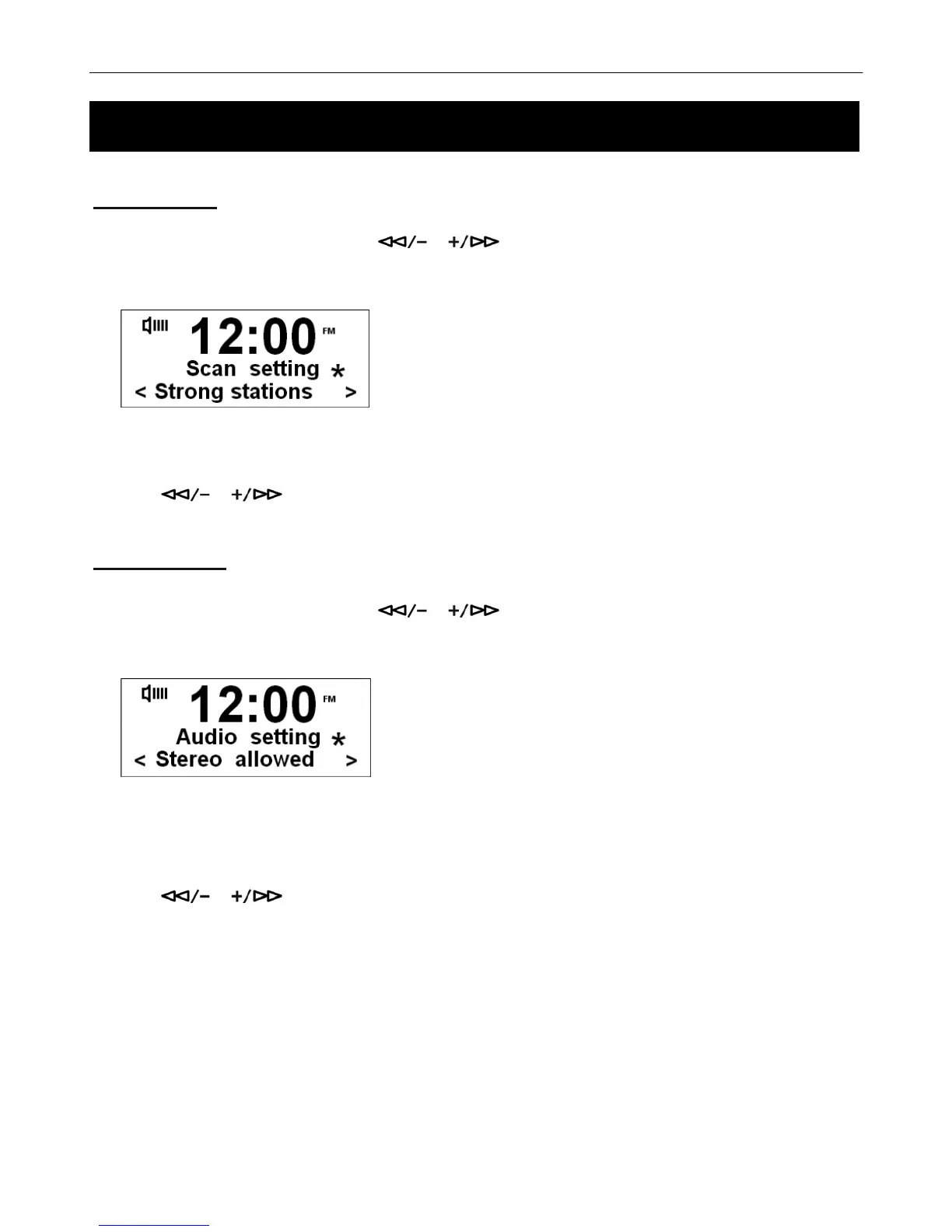
Scan Setting
1. Press the MENU button and then press or to select Scan Setting menu.
2. Press the SELECT/NAV button to confirm.
# Note: You can choose between Strong stations only and All Stations. If you choose Strong Stations only, the menu will
show only the stations with strong signal strength. If you choose All Stations, all detected stations will be shown.
3. Press or to select your preferred station and then press the SELECT/NAV to confirm.
Audio Setting
1. Press the MENU button and then press or to select Audio Setting menu.
2. Press the SELECT/NAV button to confirm.
# Note: You can choose between Stereo Allowed and Forced Mono audio settings. If you choose Stereo Allowed, the
sound output will be stereo. If you choose Forced Mono, the sound output will be Mono.
3. Press or to select your preferred setting, and then press the SELECT/NAV to confirm.
Using your FM Radio



 To Next Page