BCR35DAB
- 10 -
DAB+ Operation
Using the Menu
Press the MENU button to enter the menu. Press the " < " & " > " buttons to scroll
through the options described below.
Full Scan
1. Press the MENU button to access the menu.
2. Press the " < " & " > " buttons until "Full scan" is displayed.
3. Press the SELECT button to activate a full scan for DAB+ stations.
Manual Tune
It is possible to manually tune to a specific channel/frequency and add this to the station
list. This function can be used to obtain the optimum reception for a specific channel/
frequency.
1. Press the MENU button to access the menu.
2. Press the " < " & " > " buttons until "Manual tune" is displayed. Press the SELECT
button to select.
3. Press the " < " & " > " buttons to select the desired channel/frequency.
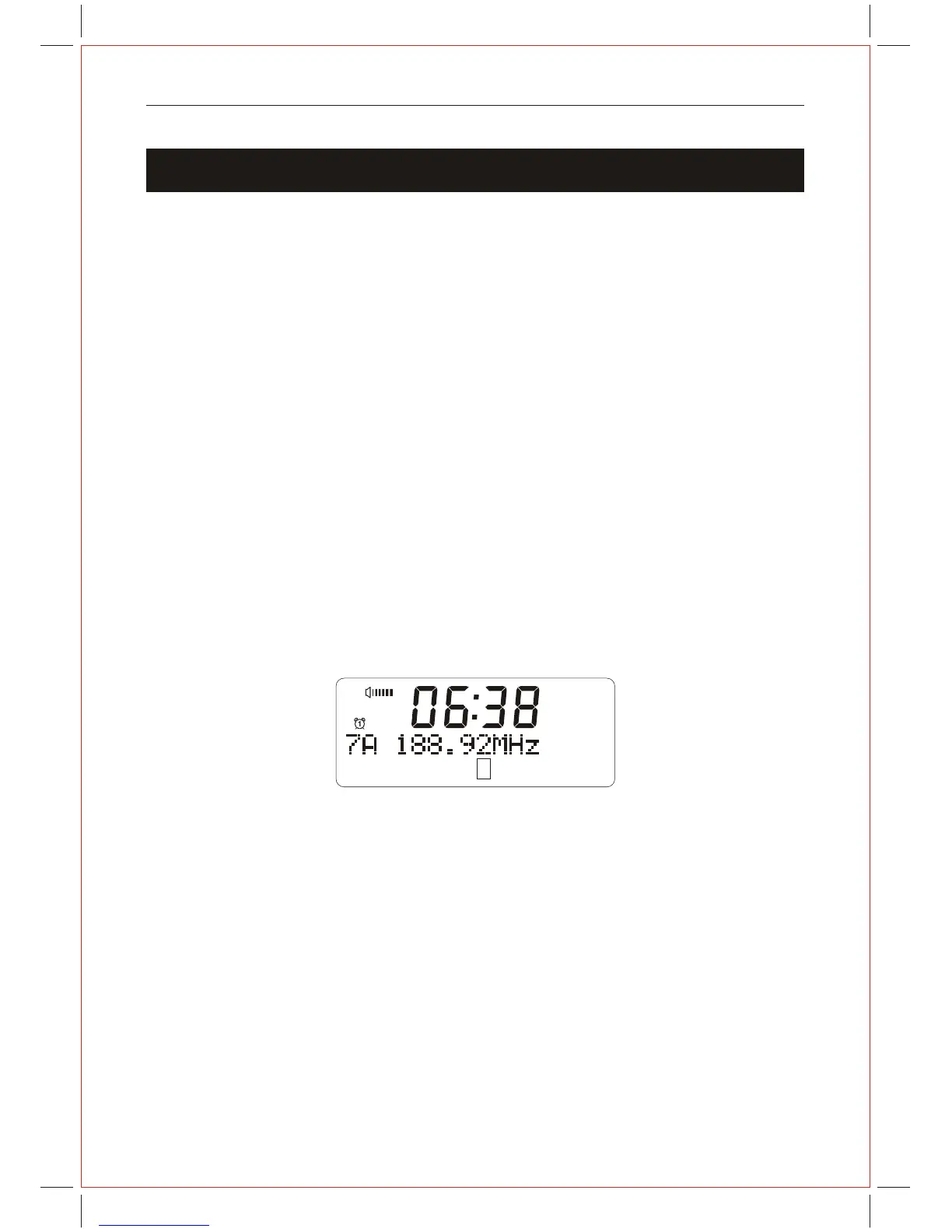
4. Press the SELECT button, a rectangle will be displayed on the second line of the
display. The position of this rectangle indicates the signal strength (the further towards
the right, the greater the signal strength).
5. Adjust the position of the wire antenna to obtain the optimum signal strength.
6. Press the SELECT button to confirm.
AM
1
DAB



 To Next Page