BCR35DAB
- 14 -
The unit is now set up to play your auxiliary device.
Adjust the volume level by pressing the VOLUME buttons on the unit.
Auxiliary Input
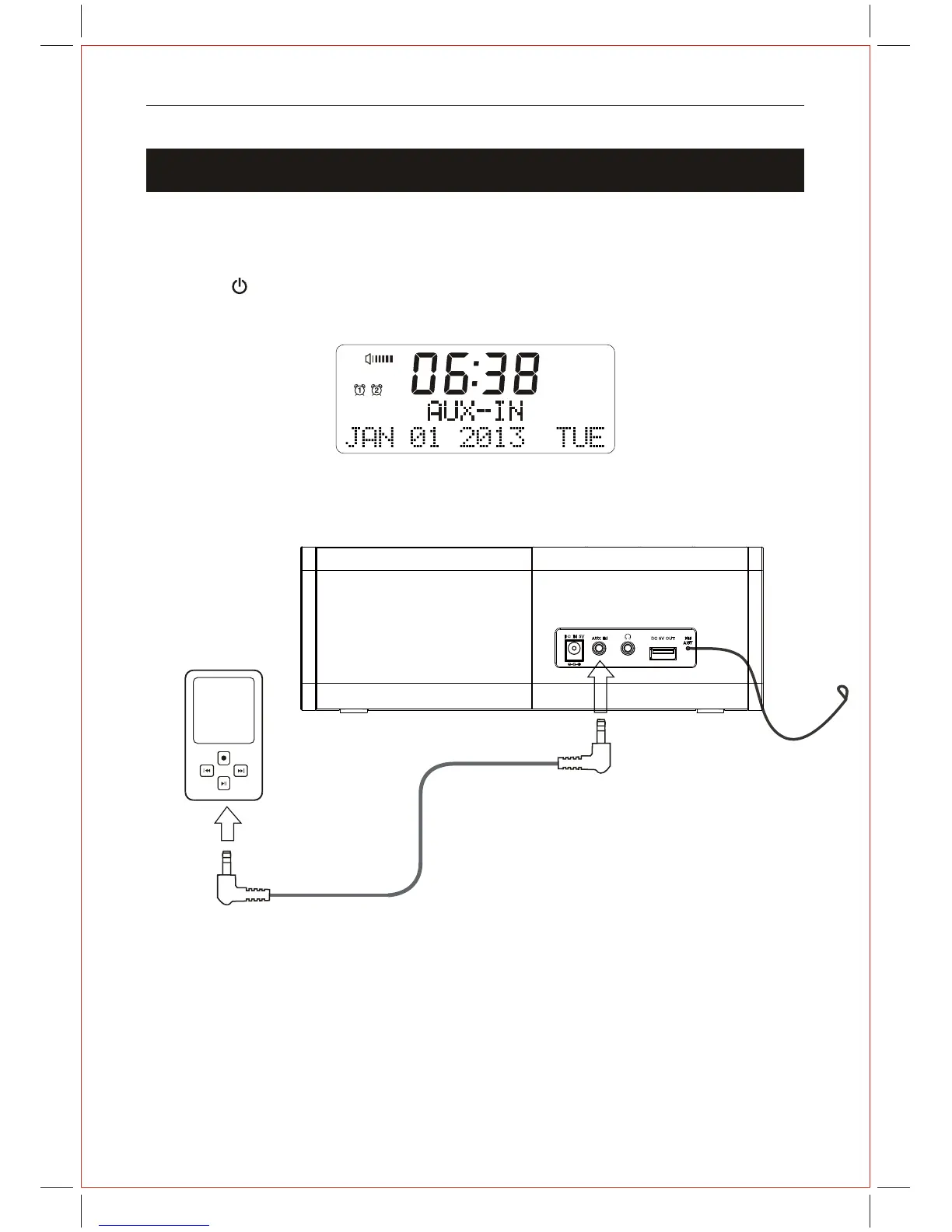
AUX In Connection
Connect a 3.5mm stereo audio lead (not included) to the AUX-IN socket on the unit and
the other end to an auxiliary device such as an MP3 player.
Press the " "button to turn on the unit.
Press the MODE button to select AUX mode. The display will show "AUX
AM
12
AU;



 To Next Page