BCR35DAB
- 12 -
Using the FM Radio
1) Press the " " button to turn the unit on.
2) Press the MODE button to select FM mode.
Automatic Tuning
Press the SCAN button or hold the " < " & " > " buttons to automatically search for the
next available station.
If the reception is poor, try Manual Tuning (see Manual Tuning below) to fine-tune the
station.
Manual Tuning
Press the " < " & " > " buttons briefly to manually tune through the frequency band.
The frequency will increase or decrease in steps of 0.05 MHz for each press the " < "
& " > " buttons.
Stereo / Mono Select (FM mode)
Press the SELECT button to change the station STEREO (Auto) or MONO option.
Storing FM Presets
You can preset up to 10 FM stations for easy access. The procedure for storing and
recalling FM presets is the same as when using DAB mode and is described on page 7.
FM Operation
DON'T FORGET!
You may hear background noise as no station has been tuned in. The display will
show the frequency of the FM station.
DON'T FORGET!
If the reception does not improve, try altering the position of the antenna.
If the reception is still poor, scan again to determine whether a stronger signal
exists for the desired frequency.
AM
STEREO
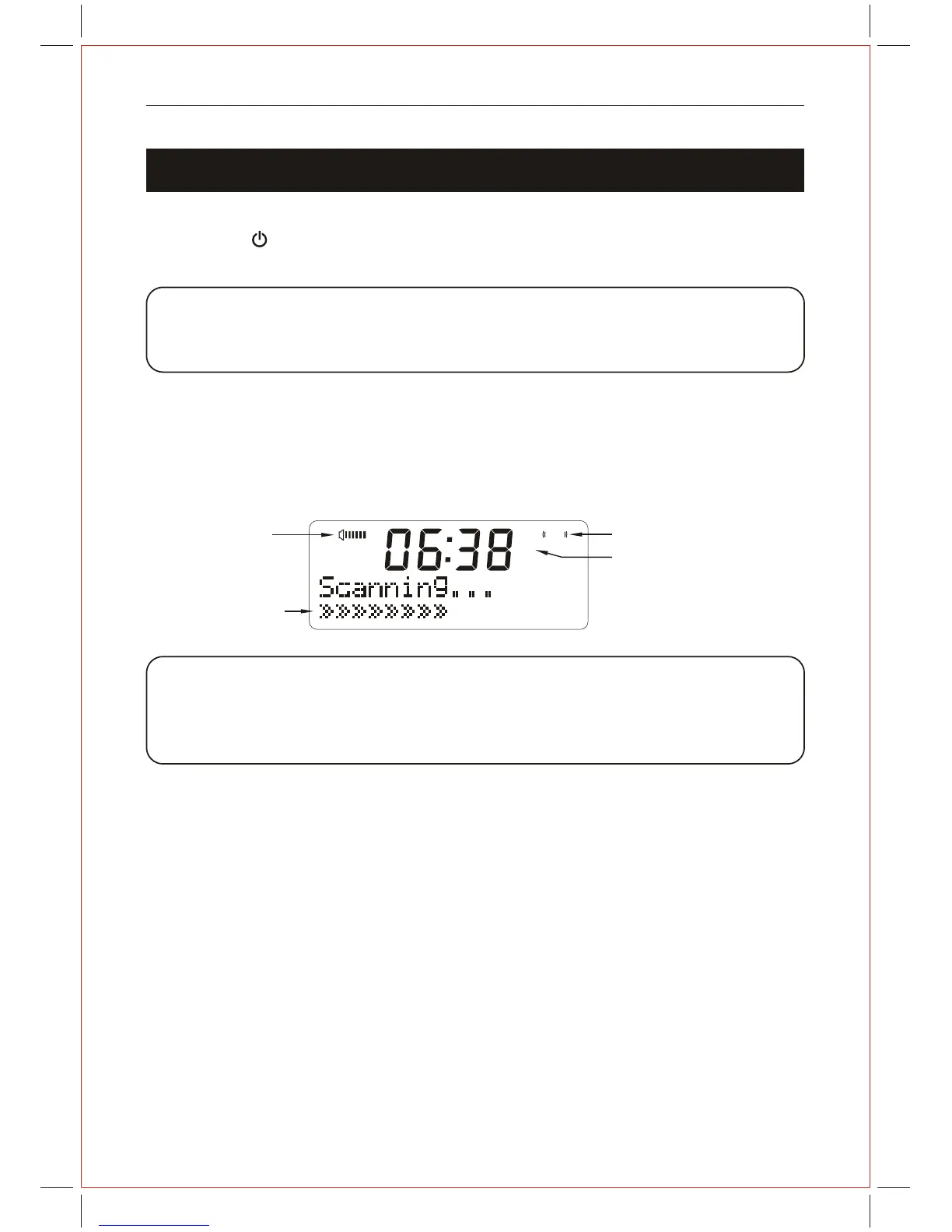
Progress bar
FM Mode display
Volume bar
FM
STEREO display(Auto)



 To Next Page