EasyManua.ls Logo

Bush CCR231DAB - Backlight and Earphones

Bush CCR231DAB
14 pages
Print Icon
To Next Page IconTo Next Page
To Previous Page IconTo Previous Page
Loading...
User instructions
3.
Use
the UP or
DOWN
(8,11)
buttons
to find
<Factory
Reset>
and
press
the
SNOOZE/SELECT button
(9).
4. Use the UP or DOWN
(8,11)
buttons to select'Yes'and
press
the
SNOOZE/SELECT button
(9).
5.
The
software will
return
to the default settinos and re-scan for
DAB
stations.
Backligtrt
To set
the backlight
time
out duration.
'1
.
Press
the MENU button
(10).
2.
When
the
<Full
Scan>
option appears
(DAB
mode) or
<Scan
Setting>
(FM
mode),
press
either UP or DOWN
(8,11),
locate
<System>
and
press
the
SNOOZE/SELECT button
(9).
3. Use the UP or DOWN
(8,11)
buttons to find
<Backlight>
and
press
the
SNOOZE/SELECT button
(9)
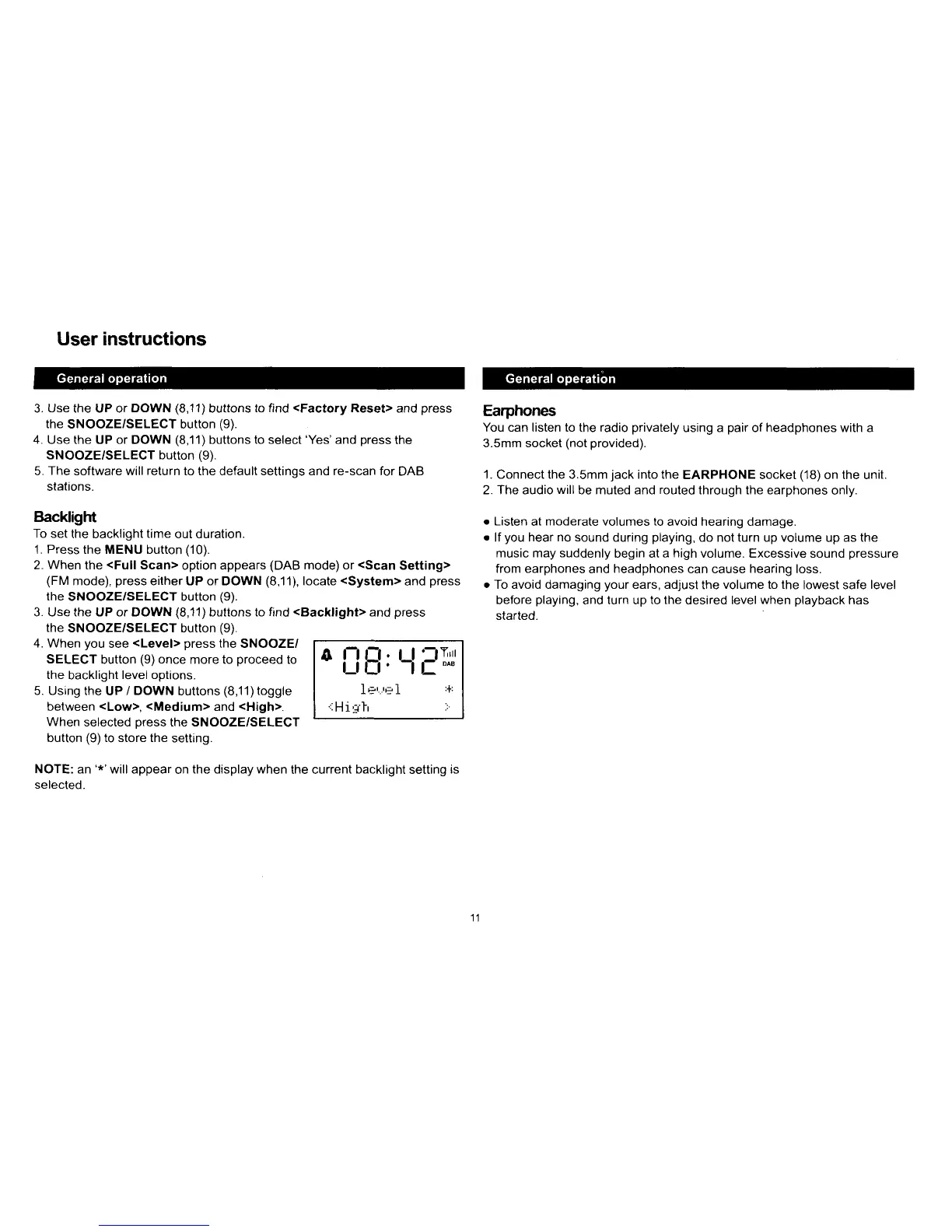
4. When
you
see
<Level>
press
the SNOOZE/
SELECT
button
(9)
once
more to
proceed
to
the
backlight
level options.
5. Using
the UP
/ DOWN
buttons
(8,11)toggle
between
<Low>, <Medium>
and
<High>.
When
selected
press
the SNOOZE/SELECT
button
(9)
to store the
setting.
NOTE:
an
'*'will
appear
on
the display when
the current
backlight
setting
is
selected.
Earphones
You can listen to
the
radio
privately
using a
pair
of
headphones
with a
3.5mm socket
(not provided).
1. Connect the 3.5mm
jack
into the
EARPHONE socket
(18)
on the unit.
2. The audio
will
be muted and
routed
through the earphones
only.
.
Listen
at
moderate
volumes
to
avoid hearing damage.
.
lf
you
hear
no sound
during
playing,
do not turn up volume
up
as the
music may suddenly
begin at a
high
volume. Excessive sound
pressure
from earphones
and
headphones
can cause
hearing
loss.
o
To avoid damaging
your
ears, adjust
the
volume to the
lowest safe
level
before
playing,
and turn up
to the
desired level
when
playback
has
started.
o
i-l i:i:
Ll
':Trl
I *'...'e I
:+:
.::Hirtr
:r

Related product manuals