User
instructions
Program type
This describes the
"Style"
or
"genre"
of music that is being broadcast e.g.
"Rock
"or
"Classical".
Programme Name
Station name
(if
broadcast).
Frequency of the station
is
displayed
if no
name
is
broadcast.
Time
Displays the current time.
Please
see
below for setting.
Date
Displays the current date.
Please see below for setting.
Radio Text
Displays
scrolling
text broadcast by the station
(only
if
broadcast).
Time & Date
The time & date can be set automatically
from the DAB or FM broadcast or
set manually.
Follow
the steps below
to
set
manually.
1.
Press
the MENU button
(10).
2. When
the
<Full
Scan>
option appears
(DAB
mode) or
<Scan
Setting>
(FM
mode),
press
either UP or DOWN
(8,11),
locate
<System>
and
press
the SNOOZE/SELECT button
(9).
3.
Use
the
UP or
DOWN
(8,11)
buttons to find
<Time>
and
press
the
SNOOZE/SELECT
button
(9).
4. Inside the
<Time>
menu there are several options
<Set
Time/Date>,
<Auto
Update>,
<Set
12124 Hour> &
<Set
Date Format>.
Set Time/Date
1. When activated the Hour digit
flashes,
use the UP or
DOWN buttons
(8,1
1)
to set the digit to the correct
hour then
press
SNOOZE/SELECT
button
(9),
Repeat the
process
for
the minutes
pressing
SNOOZE/SE-
LECT to advance.
2. The
next setting is the Date. Use the same
process
as step
I
using the
UP/DOWN buttons to select the correct digits and the SNOOZE/SELECT
button
(9)
to store and advance.
3. When
complete
the display will show
'Time
Saved' and
return
to the
default
screen.
Set12124 Hour Use the UP or DOWN buttons
(8,11)to
select'12 or
24 hour
and
then
press
the SNOOZE/SELECT button
(9)
to activate.
Auto
Update
Use the UP or DOWN buttons
(8,11)
to
cycle
through the
various
options for auto setting the
time
& date.
These range from
<Update
from
any>,
<Update
from DAB>,
<Update
from FM> and
<No
Update>.
Press
the SNOOZE/SELECT button
(9)
to store the settinq.
Set Date Format Use the UP or DOWN buttons
(8,11)to
cycle between
DD-MM-YYYY or MM-DD-YYYY.
Press
the SNOOZE/SELECT
button
(9)
to
store the setting.
NOTE: When the
power
is disconnected the settings
will
be
lost.
AlarmSetup
Follow the below
instructions to set
both
alarms.
NOTE: The
radio
must be ON
in
order
to
oroqram
an alarm.
'1.
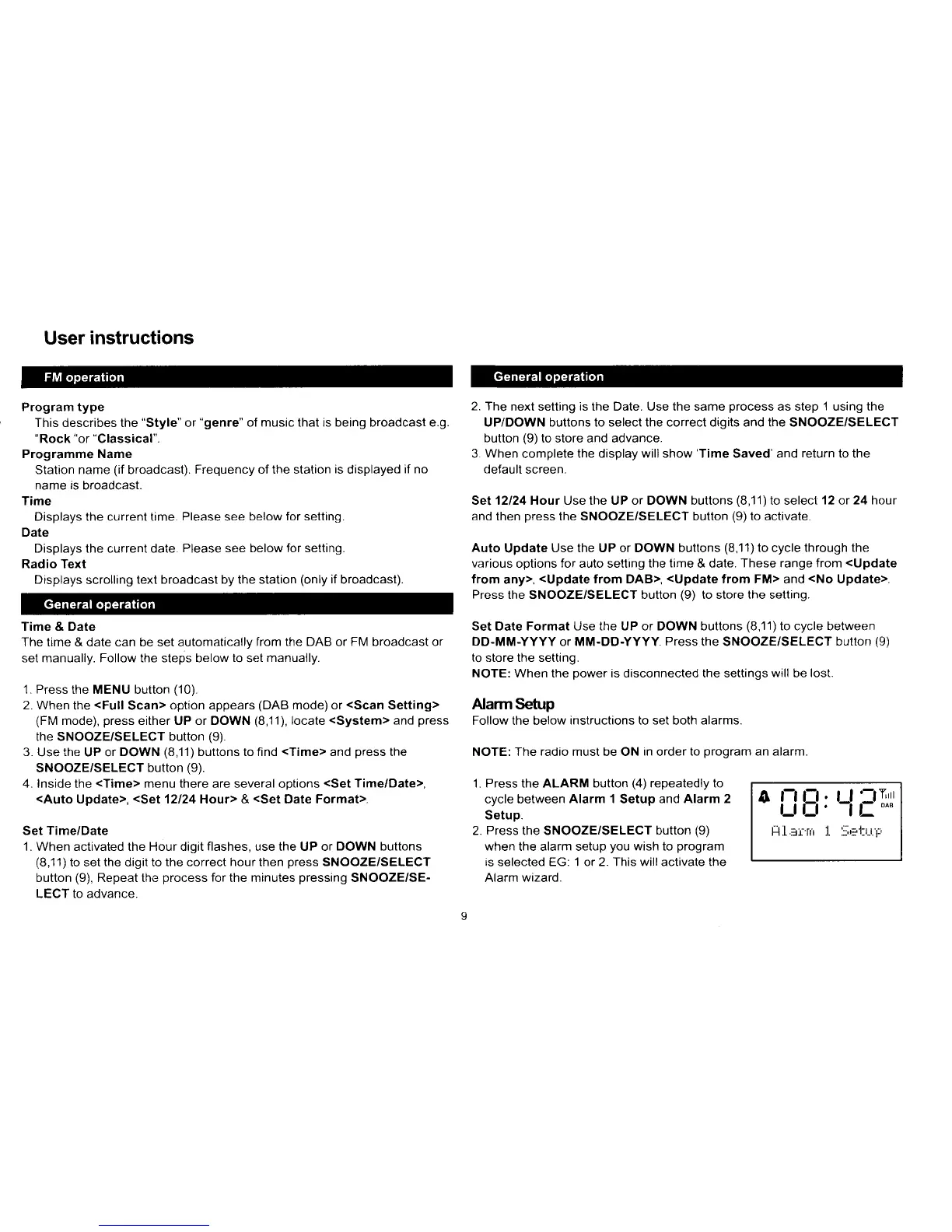
Press the ALARM button
(4)
repeatedly to
cycle between
Alarm 1
Setup
and Alarm 2
Setup.
2. Press the SNOOZE/SELECT
button
(9)
when the alarm setup
you
wish to
program
is selected EG: 1 or 2. This will activate the
Alarm wizard.
o
i:iE:
Lf
lTrr
H.L.JI',ilt .t. .::,h'
r..r_r.
i-:



 To Next Page