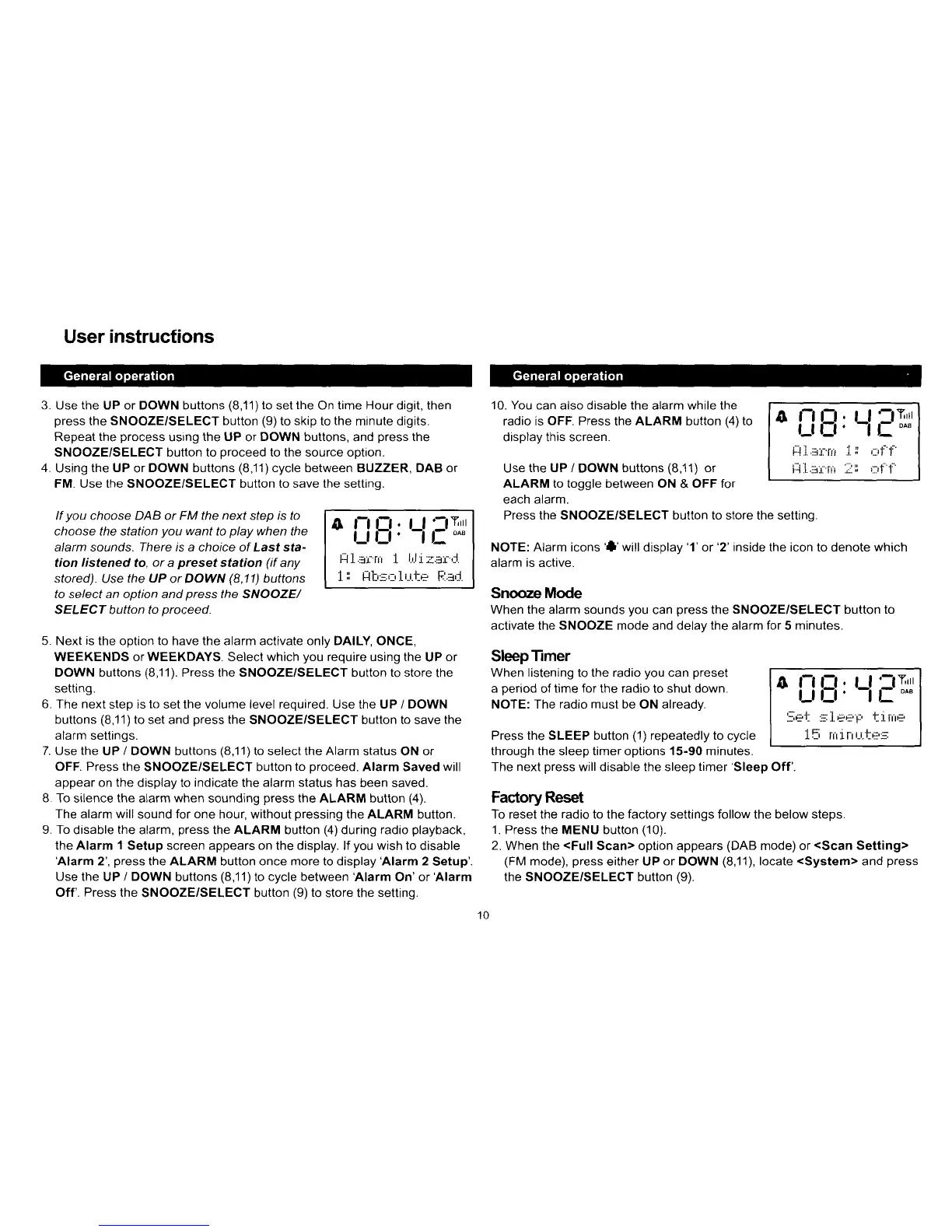
If
you
choose DAB or FM the
next
step is to
choose the station
you
want
to
play
when the
alarm sounds. There is a choice of Last sta-
tion
listened
to,
or
a
preset
station
(if
any
stored).
Use
the UP
or DOWN
(8,11)
buttons
to select an option and
press
the SNOOZE/
SELECT button to
proceed
o
i:ifi:
LlrT*,
lll.:i:r:ni .1.
I.,Ji
;i.::rr'd.
i.
I
!lh.:,:,1r.i.t+
[;:.:i,J.
User instructions
3. Use the UP or DOWN buttons
(8,11)to
set
the
On time Hour digit, then
press
the
SNOOZE/SELECT button
(9)
to
skip
to
the
minute digits.
Repeat the
process
using
the UP
or
DOWN buttons,
and
press
the
SNOOZE/SELECT button to oroceed to the source oDtion.
4.
Using
the UP
or
DOWN buttons
(8,11)cycle
between
BUZZER,
DAB or
FM. Use the SNOOZE/SELECT button to save the settino.
10.
You
can also disable the alarm while the
radio is
OFF.
Press the ALARM button
(4)
to
display this screen.
Use
the UP /
DOWN
buttons
(8,11)
or
ALARM
to toggle between ON
&
OFF for
eacn alarm.
Press the SNOOZE/SELECT button to store the settinq.
NOTE: Alarm icons
'l'will
disolav
'1'
or'2'inside the icon to denote which
alarm is active.
Snooze
Mode
When
the alarm
sounds
you
can
press
the
SNOOZE/SELECT button to
activate
the
SNOOZE
mode and delav
the alarm for
5
minutes.
SleepTimer
When listening
to
the radio
you
can
preset
a
period
of
time for the radio
to
shut down.
NOTE: The
radio
must be ON already.
Press the SLEEP button
(1)
repeatedly to
cycle
through the sleep timer options 15-90 minutes.
The
next
press
will disable the sleep
timer'Sleep
Off'.
FactoryReset
To reset the
radio
to the
factory
settings follow the below steps.
1.
Press the MENU button
(10).
2.
When the
<Full
Scan> option appears
(DAB
mode) or
<Scan
Setting>
(FM
mode),
press
either UP
or DOWN
(8,'11),
locate
<System>
and
press
the SNOOZE/SELECT button
(9).
o
i_l
B:
Ll
lT*,
t-! _j.
.::il.
tlt .i.
,
i,r
J I
tji..:l.t-l!! iil
ir!
|
o
i:iE:
Ll
FTrl
-,tJt
1-.tHF'L'
I tiltH
l5 rriirii..i.tr:::
Next
is
the option to have the alarm activate only DAILY, ONCE,
WEEKENDS or WEEKDAYS. Select which
you
require using the
UP
or
DOWN buttons
(8,11).
Press the SNOOZE/SELECT button to store
the
setting.
The next
step is to set the volume level required. Use the UP / DOWN
buttons
(8,11)to
set and
press
the
SNOOZE/SELECT button to save
the
alarm settings.
Use
the
U P
/
DOWN buttons
(8,1
1
)
to select the Alarm status
ON
or
OFF. Press the
SNOOZE/SELECT button
to
oroceed. Alarm Saved
will
appear
on
the
display to
indicate
the
alarm status has
been saved.
To
silence
the
alarm
when
sounding
press
the
ALARM button
(4).
The alarm will
sound
for one
hour, without
pressing
the ALARM button.
To
disable
the
alarm,
press
the
ALARM
button
(4)
during
radio
playback,
the Alarm
'l
Setup screen appears on the display. lf
you
wish to
disable
'Alarm
2',
press
the ALARM
button
once more to display'Alarm 2
Setup'
Use the
UP
/ DOWN
buttons
(8,11)to
cycle between
Alarm On'or'Alarm
Off'.
Press
the
SNOOZE/SELECT button
(9)
to
store the
settinq.
10



 To Next Page