3
section of these instructions, or online at www.argos-support.co.uk If you still require further assistance, call one of our experts on 0345 600 3021
If you require any technical guidance or find that your product is not operating as intended, a simple solution can often be found in the
Troubleshooting
Contents
Safety information
Safety information 7
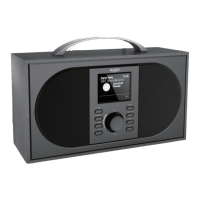
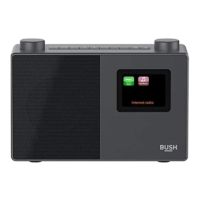
Getting to know your DAB/FM Radio with Bluetooth
Ready? Let’s begin... 14
Power connection 16
Inserting batteries (optional) 16
Initial set-up 16
Adjusting the volume 17
Time and date 17
Change the mode 18
Using headphones 18
Connect to a Bluetooth device 18
Using your DAB/FM Radio with Bluetooth
DAB Radio mode 22
Changing DAB stations 22
Scanning for DAB stations 22
Prune DAB stations 23
Storing a DAB station preset 23
Tune to a DAB preset station 24
DAB display information 24
Dynamic range control (DRC) 25
FM Radio mode 26
Tuning to an FM station 26
Changing the scan setting 27
Audio mode 27
1
2
3
You’ll soon be enjoying your new DAB/FM Radio with Bluetooth.
It all begins here, with your instructions. Don’t worry, there’s
nothing too technical coming up. Just simple, step-by-step
guidance to get you up and running quickly. Sound good? Then
let’s get started.
Help and Guidance
We’re here to help you get the most from your DAB/FM Radio with Bluetooth. Should you
require any guidance, a simple solution can often be found online at:
www.argos-support.co.uk
If you still require further assistance, call one of our experts on 0345 600 3021.



 To Next Page