26
If you require any technical guidance or find that your product is not operating as intended, a simple solution can often be found in the
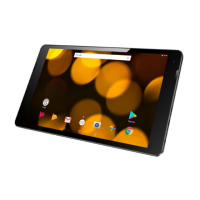
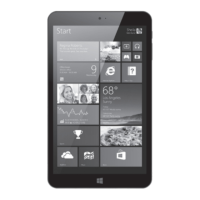
Getting to know your Bush Eluma B2 8" Tablet
You’ll be up and running in no time
Starting up
Before you switch on for the first time, ensure that
1. Your tablet is fully charged
2. You have a good WiFi connection (ideally your usual WiFi zone)
3. You have your WiFi name and password to hand.
Charging
Connect the supplied power supply to the micro-USB port of the tablet and to a wall
outlet. The red charging light (3) will light up. When the tablet is fully charged it will
go out. If the battery is empty, the device may take up to 10 minutes to charge
suciently to boot. After this, you can use the device whilst on charge.
Turning the device on
Press the ON/OFF button for 2-3 seconds.
Initial setup
The first time you start up your device, the Windows Startup Screen will be the first screen
displayed. Follow the on-screen instructions on each screen in order to properly install
Getting to know your tablet



 To Next Page