Troubleshooting section of these instructions, or online at www.argos-support.co.uk If you still require further assistance, call one of our
experts on 0207 744 0346.
37
Using your Bush Eluma B2 8" Tablet
Let’s get started
Switch between open apps
You can switch between open apps by swiping in from the left edge of the screen. You can
keep swiping, and each time you’ll switch to another app.
Lock screen
If you don’t use the device for a few minutes, the screen turns o and locks. When this
happens, press the Power button, then swipe up on the touch screen.
Add your email account
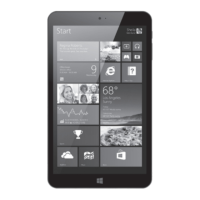
1. Tap on the Mail tile from the Start screen.
2. Choose the type of account you want to add, sign-in and then follow the on-screen
instructions.
Using your tablet



 To Next Page