Troubleshooting section of these instructions, or online at www.argos-support.co.uk If you still require further assistance, call one of our
experts on 0207 744 0346.
33
Getting to know your tablet
Getting to know your Bush Eluma B2 8" Tablet
You’ll be up and running in no time
Connecting to a WiFi network
WARNING: Make sure that you are in a WiFi zone.
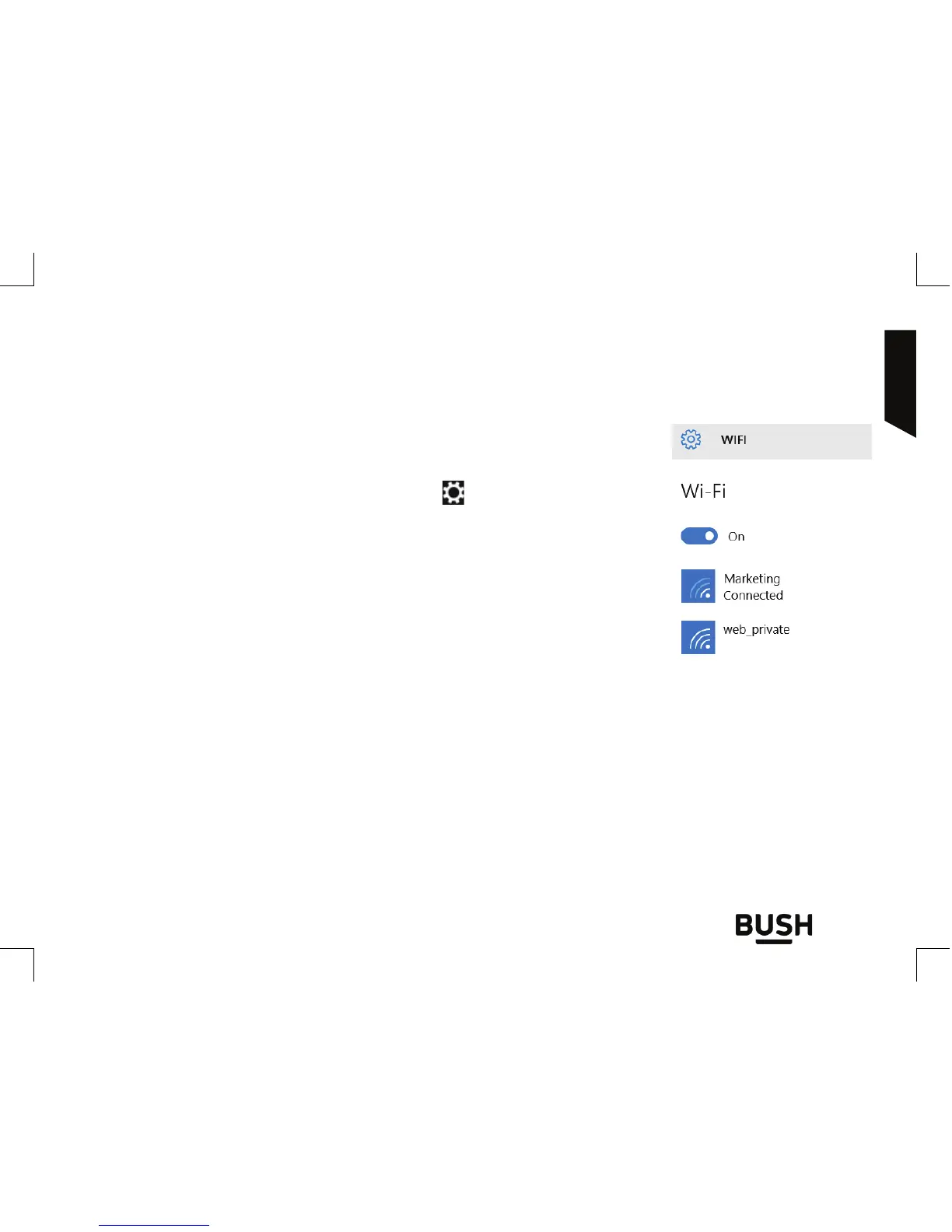
Tap on Settings among the quick settings
.
Make sure the Airplane mode is ‘OFF’ and the WiFi is ‘ON’.
Select WiFi.
Touch the name of network you want to connect to, tap on
Connect and enter a password if required.
Tips:
- To get the correct WiFi password (or settings) for the network, contact the WiFi network
provider.
- If you want to connect to this network every time it’s in range, select the ‘Connect
automatically’ check box.



 To Next Page