32
If you require any technical guidance or find that your product is not operating as intended, a simple solution can often be found in the
(2)
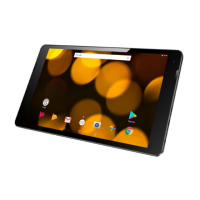
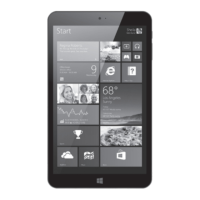
Getting to know your Bush Eluma B2 8" Tablet
You’ll be up and running in no time
Turning the device o
In Shut Down Mode, no data will be saved and the tablet will boot to the operating system’s
main screen the next time it is turned on. If you have entered data, either save it to the internal
storage or to other storage media.
1. On the left side of the screen, tap the Power button
.
2. Select Shut down or press and hold the power button for about 2-10 seconds till the screen
‘Slide to shut down your PC’ appears and then slide down the screen to shut down the tablet.
Getting to know your tablet



 To Next Page