HERITAGE
10
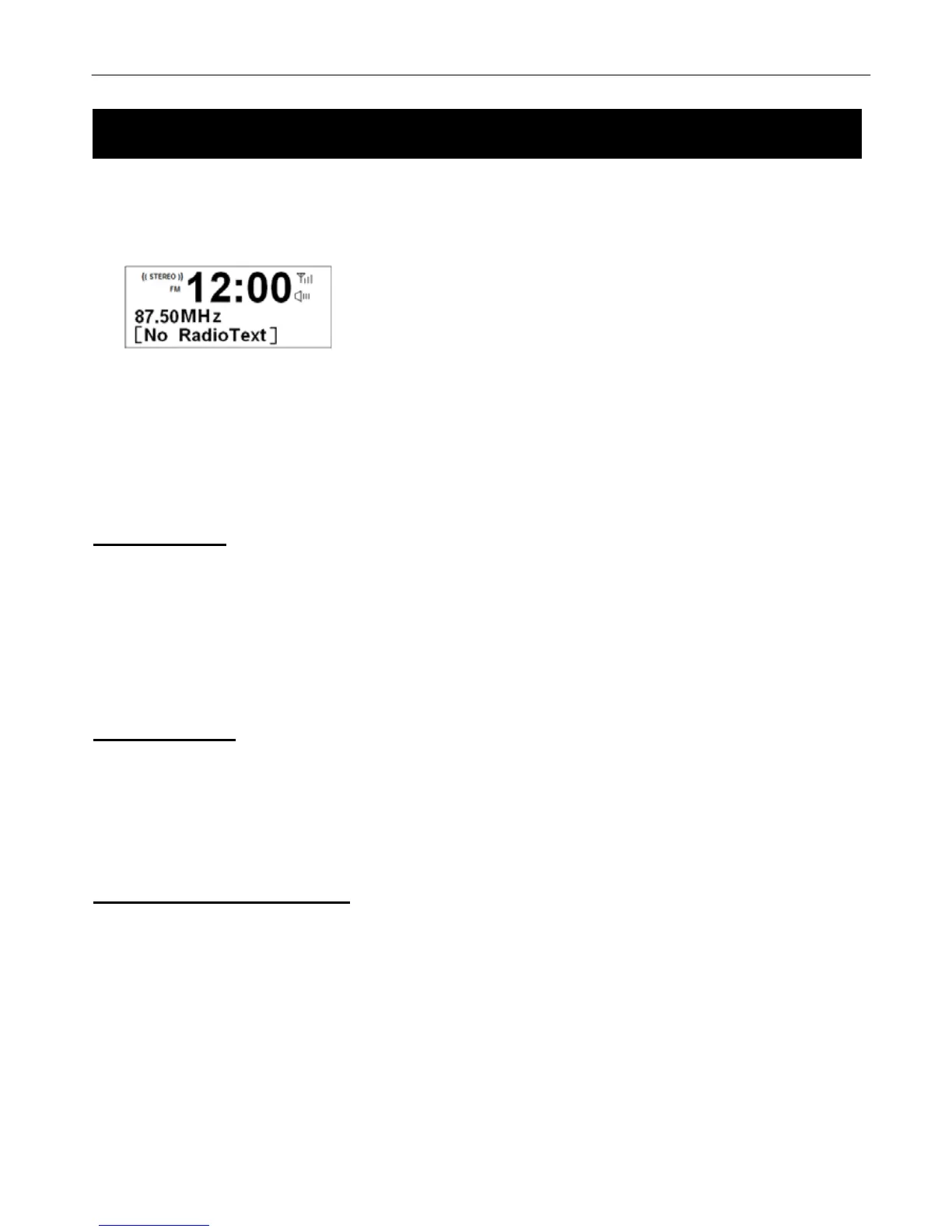
1. Press the Mode button to switch to FM Mode from DAB+ Mode.
2. Once in FM mode, it will start at the beginning of the FM frequency range (87.50MHz) or it will play the last FM
station you were listening to.
3. To manually change the FM frequency, make sure no other order/system setting is going on, turn the
Tune/Select knob to change the frequency by 0.05MHz.
4. To auto scan, while FM frequency shows up, turn Tune/Select knob clockwise or anticlockwise and then press
the Scan button, your radio will skip forwards or backwards until it reached the next available station.
Scan Setting
By default, FM scans stop at any available station. This may result in a poor signal-to-noise ratio (hiss) from weak
stations.
To change the scan settings to stop only at stations with good signal strength, press the Menu button Æ < Scan
setting > Æ Strong stations only Æ press the Tune/Select knob to confirm.
Audio Setting
By default, all stereo stations are reproduced in stereo. For weak stations, this may result in a poor signal-to-noise
ratio (hiss).
To play weak stations in mono, press Menu button Æ < Audio setting > Æ Forced mono, press Tune/Select knob to
confirm.
View Station Information
# Note: there is a diversity of station information transmitted by broadcast, and this radio also offers a shortcut for you to view
them.
To view currently playing station information, the path is:
Press the Info button repeatedly the display will show the information through Radio Text, Program type, PS, Audio
info, Time and Date on the lower segment of display.



 To Next Page