HERITAGE
8
Manual Scan
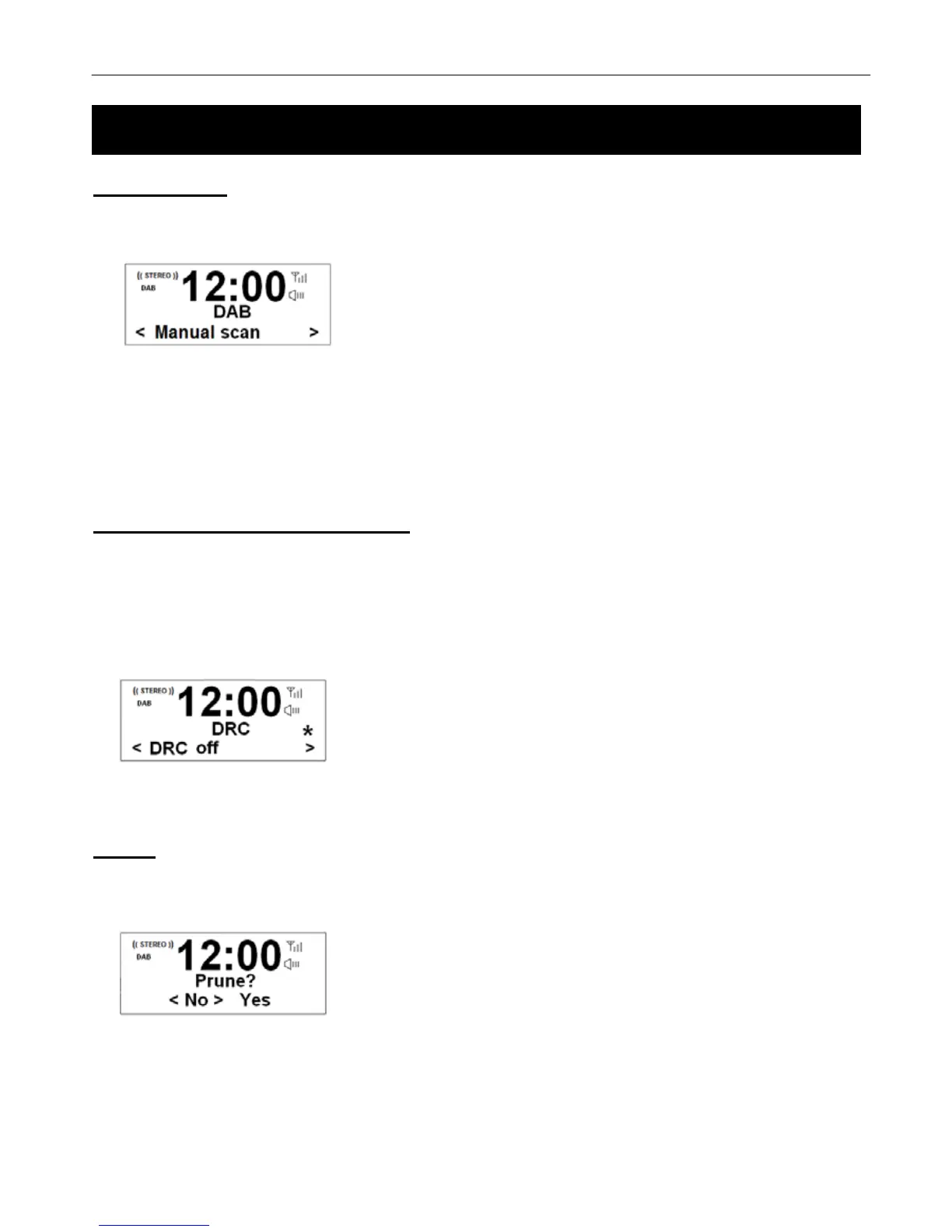
1. Press Menu button ÆTurn the Tune/Select knob to Manual scan Æ Press the Tune/Select knob to confirm, the
display will show the channel number and frequency as below
2. Turn the Tune/Select knob to step between the channels and then press the Tune/Select knob select the current
channel.
# Note: If there is a multiplex corresponding to this channel and frequency, then the display will show a tuning meter with the
signal strength and the multiplex name after a few seconds.
3. To exit manual scan, directly press the Tune/Select knob again.
DRC (Dynamic Range Control)
You can set the level of the compression of stations to eliminate the differences in dynamic range or sound level
between radio stations.
# Note: Set DRC to off indicates no compression, set DRC to low indicates little compression, and set DRC to high shows
maximum compression.
1. Press Menu button ÆTurn the Tune/Select knob to the DRC menu Æ Press the Tune/Select knob to confirm.
2. Turn the Tune/Select knob to select your preferred DRC Mode. Press the Tune/Select knob to confirm.
Prune
#
Note: Pruning Radio order will remove inactive stations from the station list.
1. Press the Menu button Æ Turn the Tune/Select knob to the Prune menu Æ Press the Tune/Select knob.
2. Turn the Tune/Select knob to select Yes, and then press the Tune/Select knob to confirm.



 To Next Page