HERITAGE
9
Setting Station Presets
# Note: This is the same for DAB+ and FM Radio stations.
Your radio can store 10 DAB+ & 10 FM station presets. Make sure that you are not in the menu when you are
attempting to set a preset.
The way of storing current playing station as a preset:
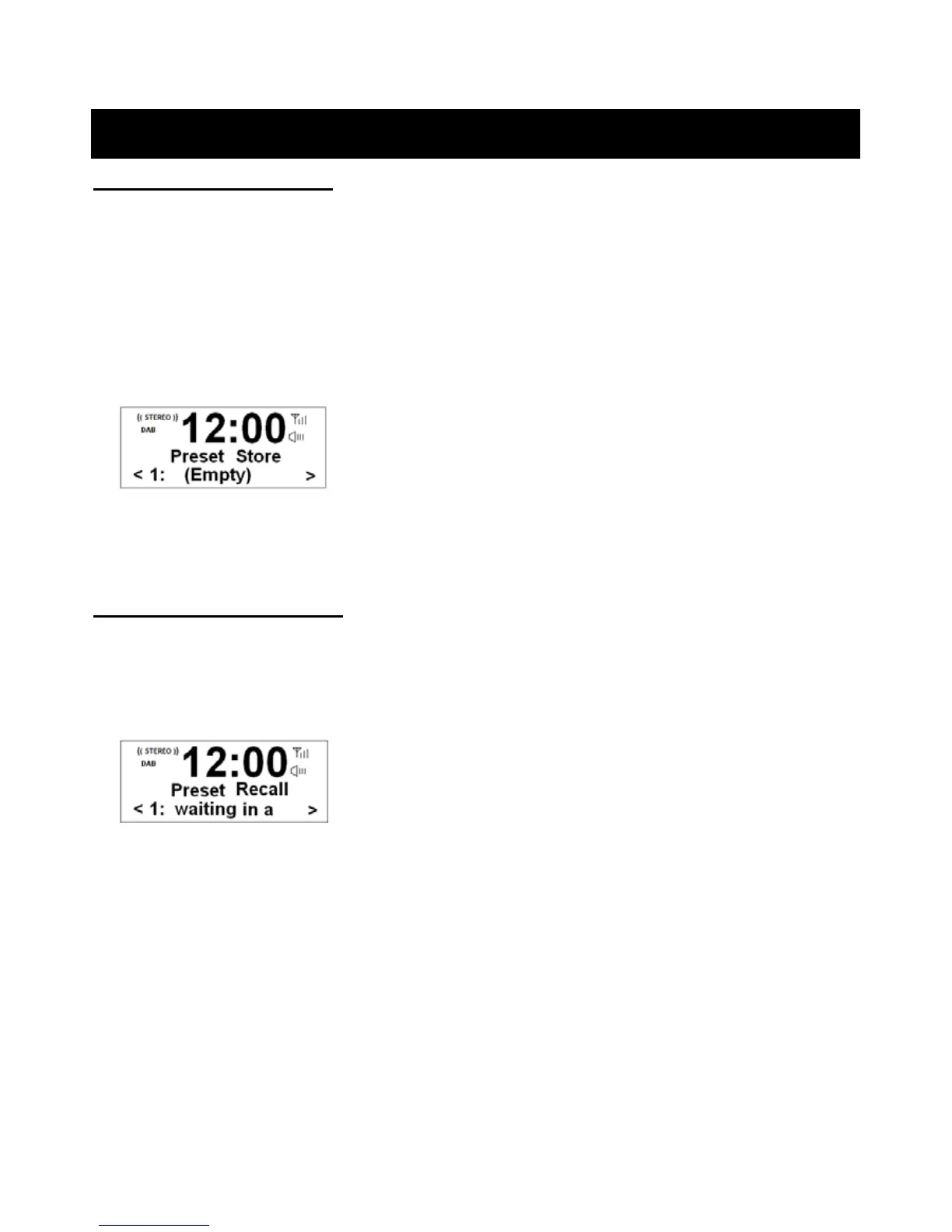
1. Press and hold the Preset button until it shows as below:
2. Turn the Tune/Select knob to cycle through the preset stations store numbers 1-10.
3. Select one preset station number and then press the Tune/Select knob, display will show ‘Preset # stored’.
Playing a Preset Station
To select a stored station:
1. Press the Mode button to select the mode you wish to play.
2. Press the Preset button to enter ‘Preset Recall’ setting.
3. Turn the Tune/Select knob to select your preset number and then press the Tune/Select knob to confirm.



 To Next Page