38
If you require any technical guidance or find that your product is not operating as intended, a simple solution can often be found in the Troubleshooting section of these instructions,
the
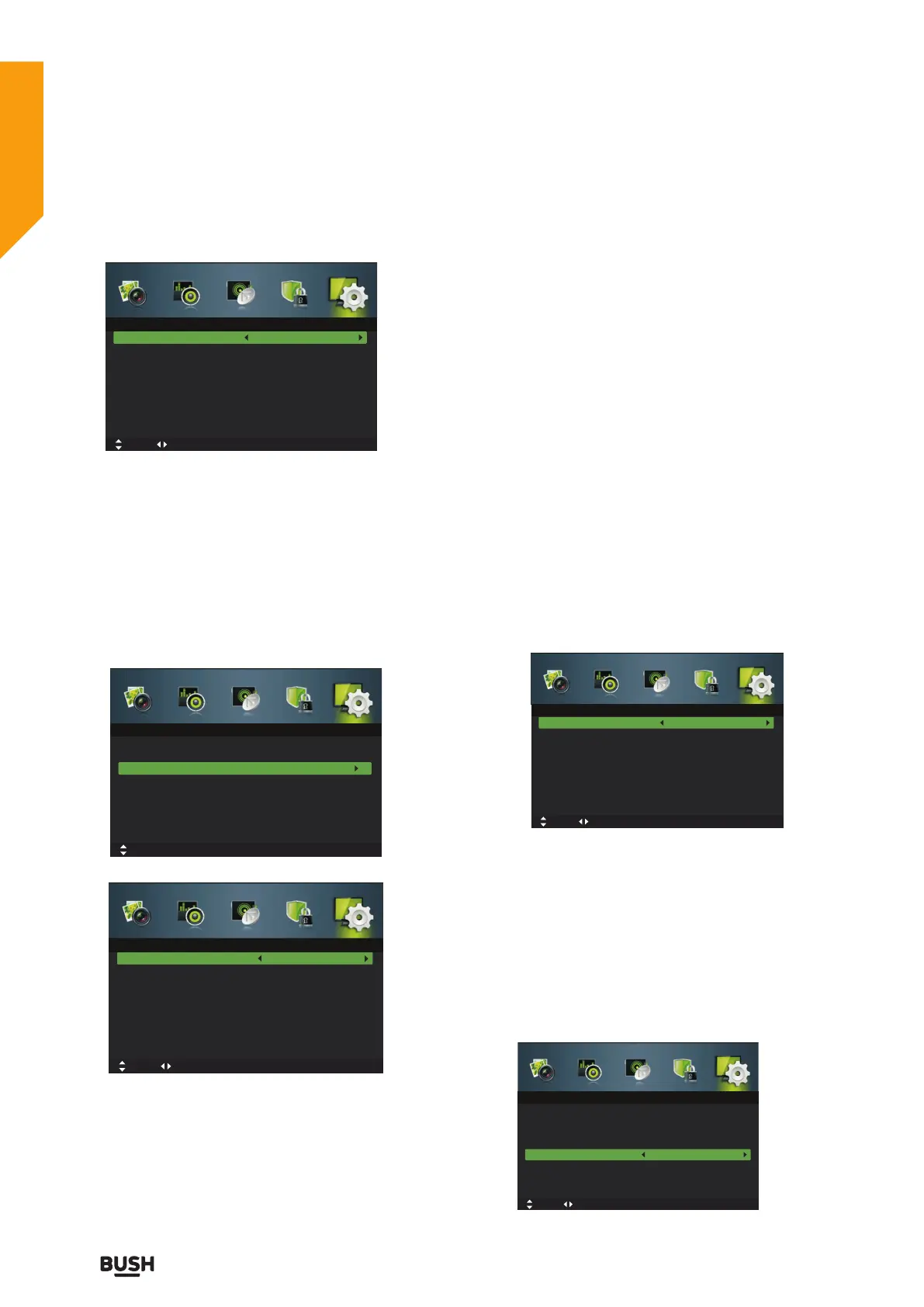
buttons to select your desired Audio Secondary
Language.
4. Press the EXIT button to exit the menu.
Subtitle (DTV Mode)
1. Press the MENU button to display the main menu.
Press the
buttons to select Setup in the main menu,
then press the
or OK button,it will highlight the first
option.
2. Press the
buttons to select Subtitle and then press
the OK button to enter sub-menu.
Mode
Selects to turn On/Off subtitle language.
Subtitle Primary Language
Press the
buttons to select your desired subtitle
primary language.
Subtitle Secondary Language
Press the
buttons to select your desired subtitle
secondary language.
Hearing Impaired
Press the
buttons to turn On/Off hearing impaired.
3. Press the EXIT button to exit the menu.
Teletext
1. Press the MENU button to display the main menu.
Press the
buttons to select Setup in the main menu,
then press the
or OK button,it will highlight the first
option.
2. Press the
buttons to select Teletext and then
press the OK button.
3. Press the
buttons to select your desired Digital
Teletext Language. Press the
button and then press
the
buttons to select your desired Decoding Page
Language.
4. Press the EXIT button to exit the menu.
Blue Screen
1. Press the MENU button to display the main menu.
Press the
buttons to select Setup in the main
menu, then press the
or OK button,it will highlight the
first option.
2. Press the
buttons to select Blue Screen and then
press the
button to select On / Off.
3. Press the EXIT button to exit the menu.
Audio Primary Language
Audio Secondary Language
English
English
Move tixE :TIXE nruteR :UNEMtsujdA
Audio Languages
OSD Language
Audio Languages
Subtitle
Teletext
Blue Screen
Mode Setting
Time Settings
PVR Settings
English
On
Home Mode
Move MENU: Return EXIT: Exit
Setup
OK: Select
Digital Teletext Language
Decoding Page Language
English
West
Move tixE :TIXE nruteR :UNEMtsujdA
Teletext
OSD Language
Audio Languages
Subtitle
Teletext
Blue Screen
Mode Setting
Time Settings
PVR Settings
English
On
Home Mode
Move tixE :TIXE nruteR :UNEMtsujdA
Setup
Mode
Subtitle Primary Language
Subtitle Secondary Language
Hearing Impaired
On
English
English
Off
Move tixE :TIXE nruteR :UNEMtsujdA
Subtitle
Standard features
Simple everyday use
Standard features



 To Next Page