9 EN
sales@ibuture.com
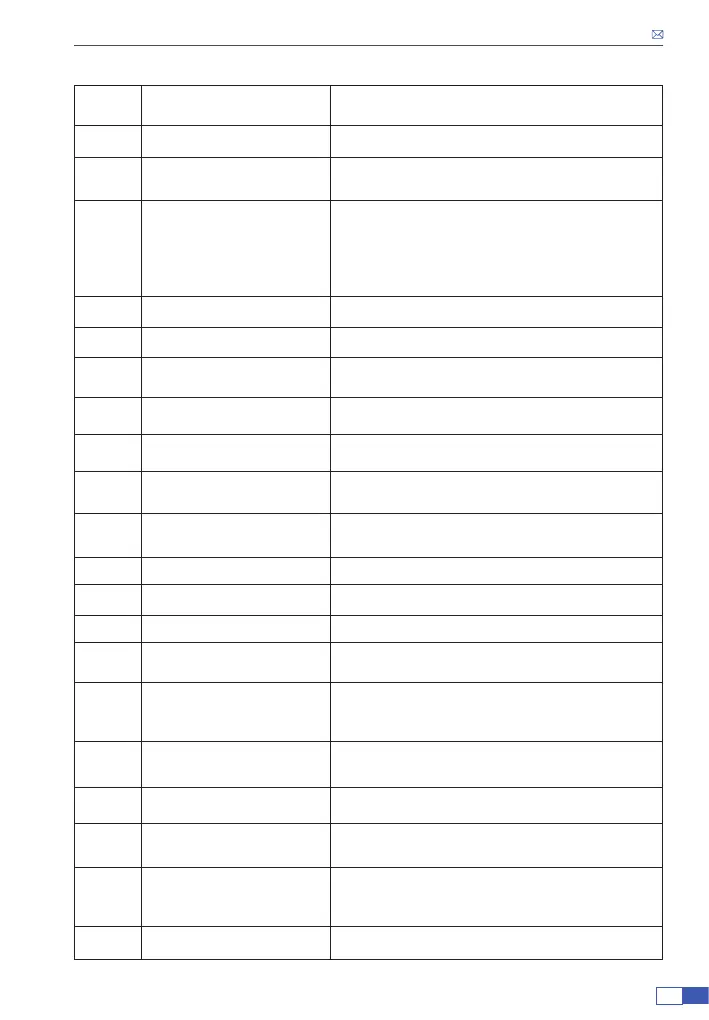
Number Name Introduction
①
ON/OFF Button Turn on/off the vacuum cleaner
②
Suction Adjustment Button To change suction power
③
LED Indicators
The color of the indicator light represents the
suction level: Lowest level (white) - Mid level
(light blue) - Highest level (blue)
The number of indicator lights represents the
battery power
④
Dust Cup Release Button To separate the dust cup from the main body
⑤
Dust Cup /
⑥
Dust Cup Cover Release
Button
To release dust cup cover
⑦
Tube Release Button
To separate the telescopic tube from the main
body
⑧
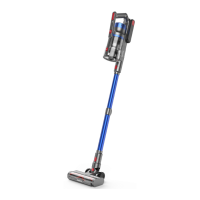
Telescopic Tube
Could be adjusted the length according to
different needs
⑨
Floor Brush Release Button
To separate the oor brush from the telescopic
tube
⑩
Electric Brush Head /
⑪
Handle Unit /
⑫
Battery Release Button To separate the battery from the handle
⑬
Battery /
⑭
Length Adjustment Button
Press down to adjust the length of telescopic
tube
⑮
Crevice Nozzle
Remove dust in hard-to-reach area, such as
window gaps, bottom of beds, sofa crevice,
drawers, etc.
⑯
Soft Bristle Brush
Clean the surfaces of soft materials, such as
sofas, beds, curtains, fabrics, etc.
⑰
Small Cleaning Brush Sweep away the dust on brushes and dust cup
⑱
Wall Mount Stand
Installed on the wall for easy storage of the
vacuum cleaner
⑲
Hard And Soft Bristle
Integrated Brush
(Installed)
Used on hard or soft surfaces, such as wood
oors, cement oors, carpets, and sofas
⑳
Charger Battery charging adapter


 To Next Page