EN
15.
tech-support@ibuture.com
8. TROUBLESHOOTING
If there is any problem during use, please check the following troubleshooting table. If the problem can't be solved, please contact the after-sales email:
tech-support@ibuture.com
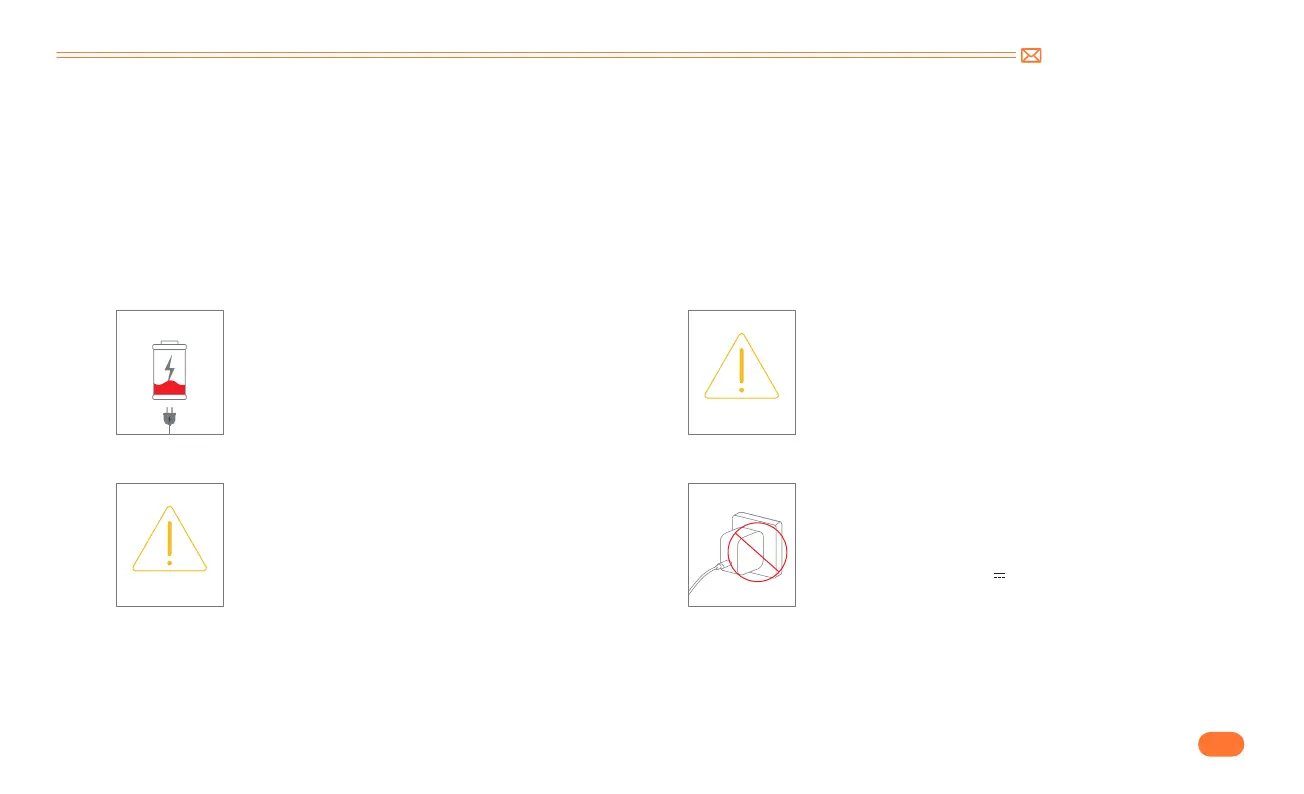
* When the vacuum cleaner does not work properly, there will be a corresponding fault remind animation on the screen, please check it in time.
Low battery warning, please charge in time.
Airway blockage reminder, please check
and clean the extension tube and dust cup as
shown in the animation on the screen.
Floor brush clogging reminder, please check
whether the floor brush is entangled by
obstructions and clean it promptly.
CHECK THE BRUSH
AIRWAY BLOCKAGE
Wrong charger used. A wrong charger can
destroy your vacuum, please make sure you are
using the original charger, and confirm that the
specification is: 31.0V 0.5A
8.1 Abnormal Indicator


 To Next Page