EN
8.
tech-support@ibuture.com
5. HOW TO USE
5.1 Charging
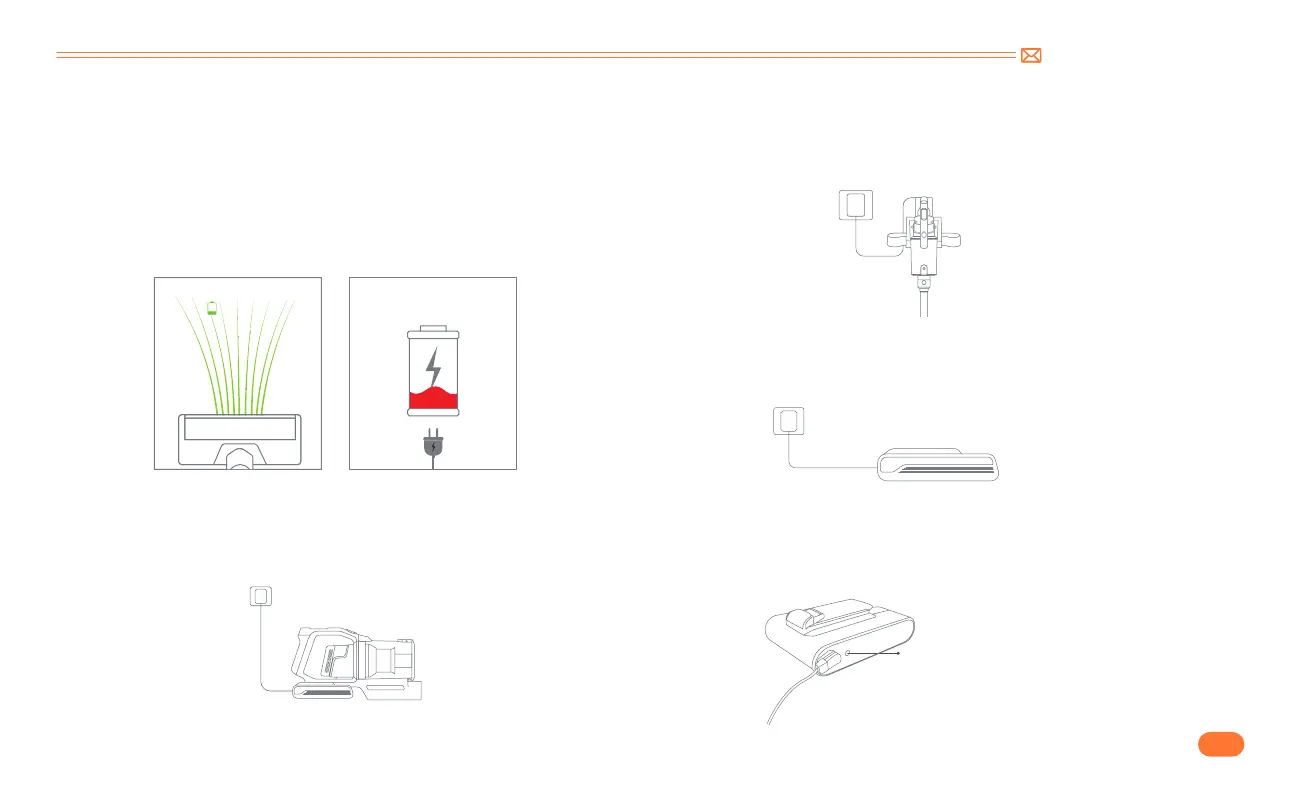
When the battery indicator on the display screen is under 30% or
the following animation appears, the vacuum cleaner needs to be
charged as soon as possible.
Three Charging Methods
①
Connect the main body to charge.
②
Hang on the wall mount to charge.
③
Charge the battery directly.
The battery indicator light on it will keep flashing in red when the
battery is being charged, and will turn blue when it is fully charged.
Battery indicator light
ECO
ECO
30%


 To Next Page