12
Key Functions
I.6 KEY FUNCTIONS
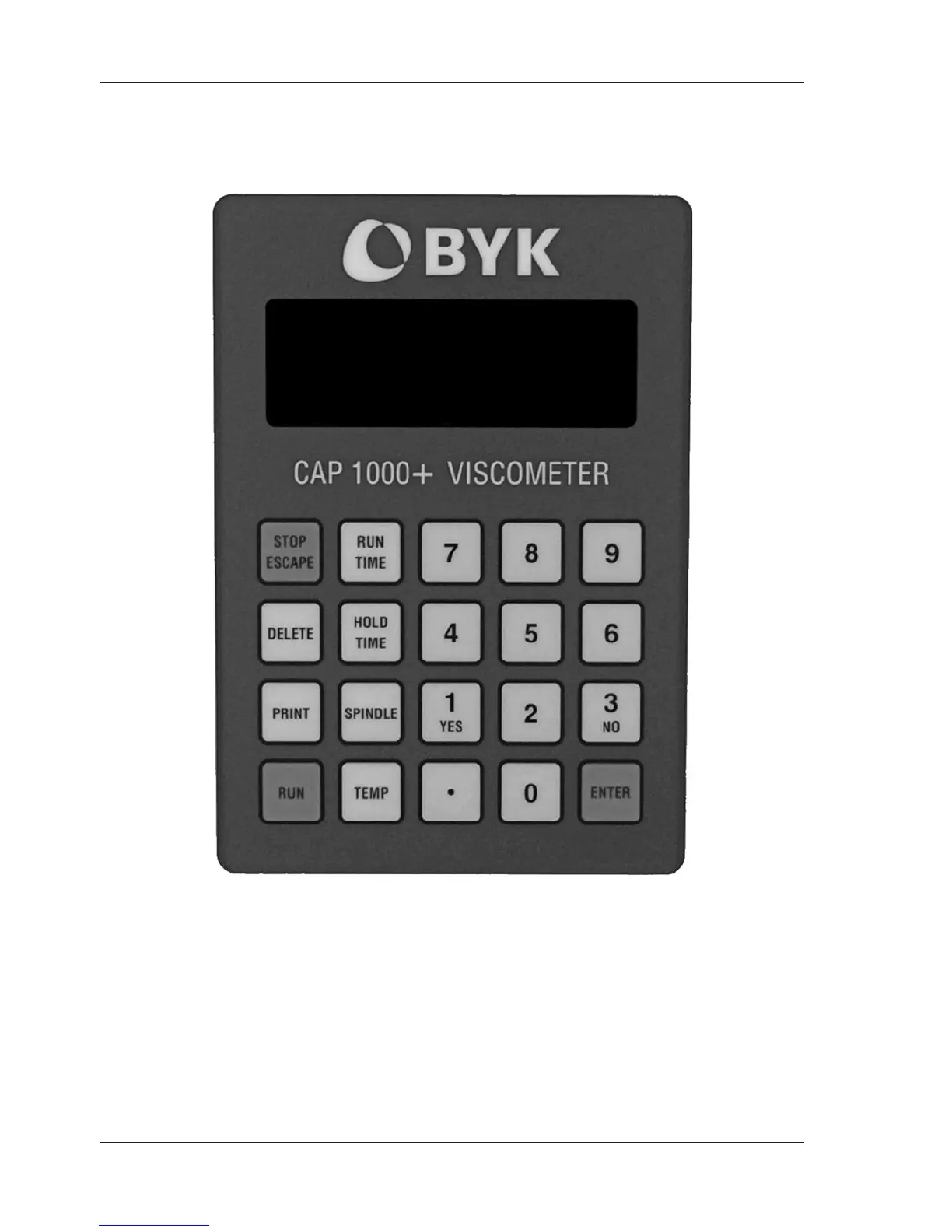
Figure I-1 shows the control keys on the face of the viscometer display panel:
NUMERIC 0-9 Used for data entry
ENTER Accepts entered data
STOP/ESCAPE Stopsconespindlerotationatanytime/Exitsdataentryeld
DELETE Overwrites entered data
PRINT Sends data to the parallel port
RUN Starts spindle rotation and measurement
RUN TIME Selects time entry mode (time of spindle rotation)
HOLD TIME Selects time entry mode (wait time before spindle rotates)
SPINDLE Selects the cone spindle entry mode
TEMP Selects the temperature entry mode



 To Next Page