support@swiftlane.com
| 505-657-9438
21
1. Take off the rope and hang the device onto the two square hangers on the wall-mounting/flush-
mounting box. Stick the plate removal key into the small hole on the upper left corner of the card
reader touch plate to pull out the plate.
2. Drive the two Torx screws into their corresponding holes.
4. Installation is completed.
3. Press the card reader touch plate into the card reader opening.
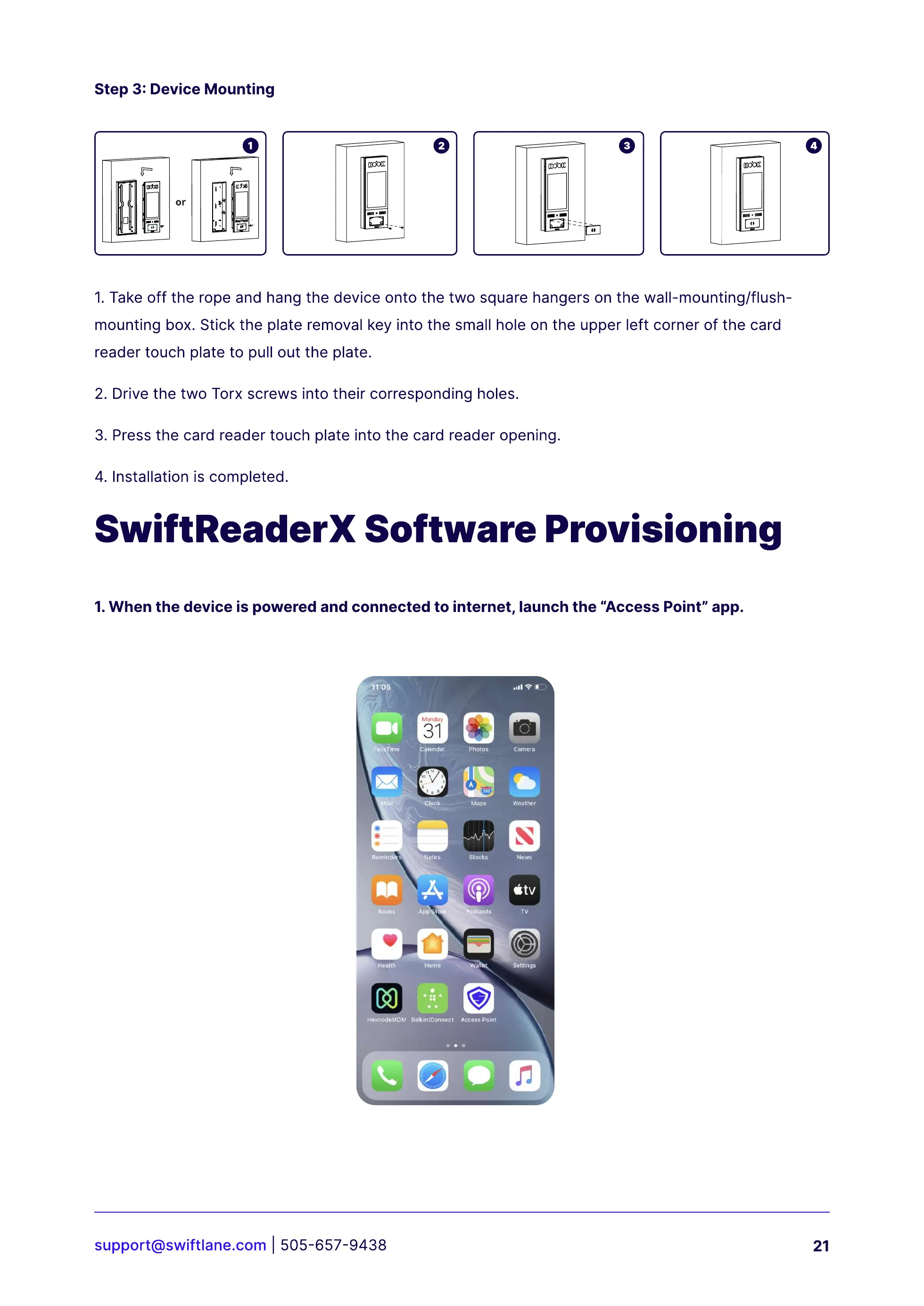
1.When the device is powered and connected to internet, launch the “Access Point” app.
Step 3: Device Mounting
SwiftReaderX Software Provisioning



 To Next Page