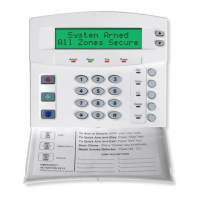
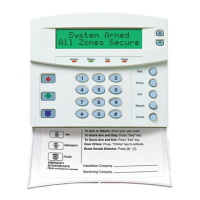
Need help?
Do you have a question about the CADDX Networx NX-6 and is the answer not in the manual?
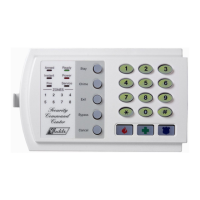
Indicates system armed status; flashes if alarm occurred during previous arm cycle.
Indicates fire zone fault (steady) or trouble (flashing).
Indicates AC power presence; flashes for low battery condition.
Covers Away, Stay, Quick Arm modes and system disarming procedures.
Procedures for changing user codes and assigning authority levels.
Identifies system faults, zone tampers, low batteries, supervision loss, and zone troubles.
Covers telephone line issues, communication failure, and system time loss.
 General
| Control Panel | NX-6 |
|---|---|
| User Codes | Up to 48 user codes |
| Input Voltage | 16.5 VAC |
| Keypads | Supports up to 8 |
| Communication | Built-in dialer for alarm reporting and uploading/downloading |
| Power Supply | 16.5 VAC transformer |
| Alarm Current | 500mA |
| Operating Temperature | 0°C to 49°C (32°F to 120°F) |

 To Next Page