Server-Based System Setup Guide
12
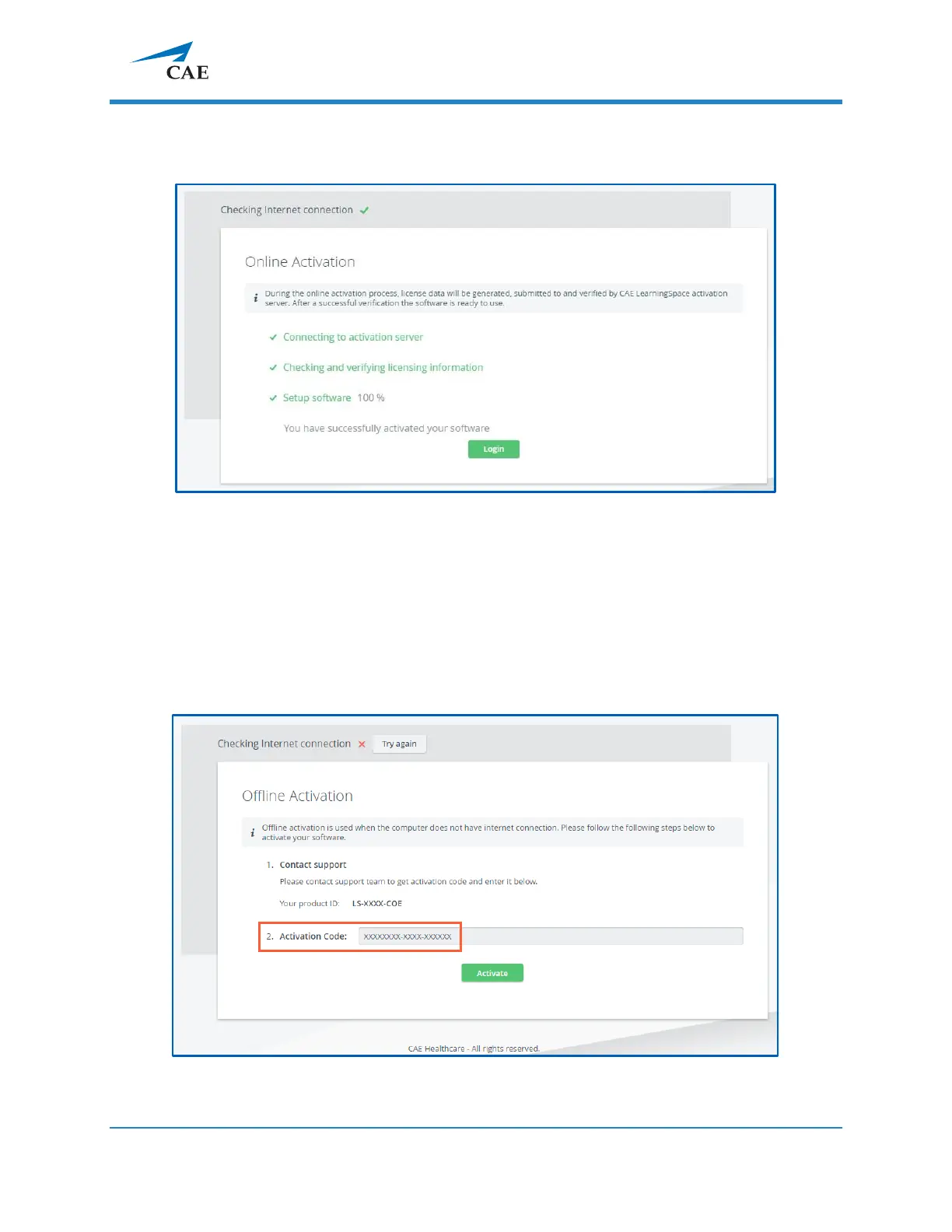
The license verification runs automatically, and once completed, a system message
is displayed with a Login button to proceed to the login page.
3.2.2 Offline activation
IMPORTANT: Please have the serial number ready to identify your unit.
Call CAE LearningSpace support to receive your Activation Code.
Enter the activation code in the designated field of the offline licensing page.



 To Next Page