Server-Based System Setup Guide
16
5.1.5 Connect to the selected CAE simulator.
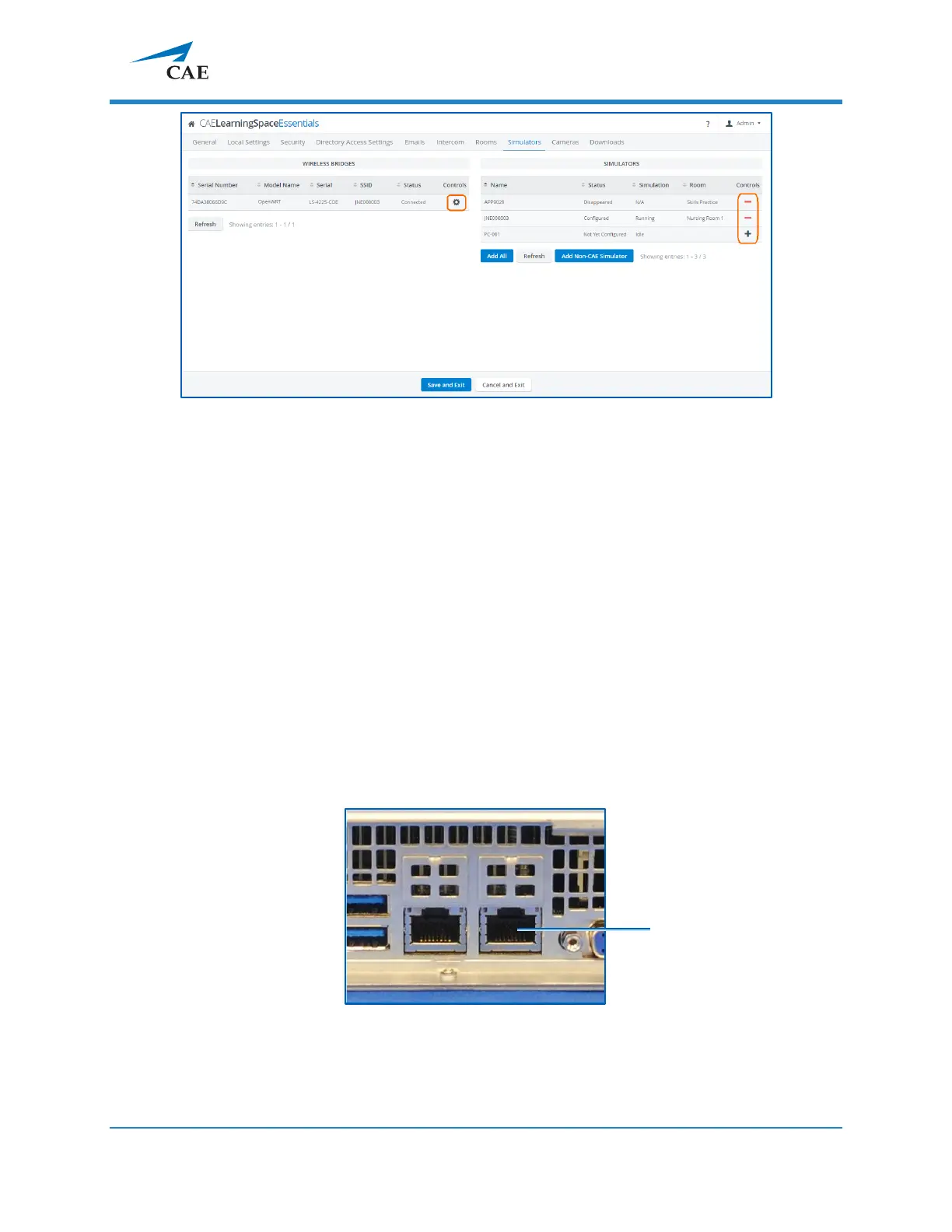
5.1.6 The CAE simulator will show up within 10-30 seconds on the right-side panel.
5.1.7 After adding the simulator using the + icon, you can add the simulator to the
desired room, using the Rooms tab.
5.2 Connecting CAE simulators using a wired connection
IMPORTANT: To connect a wired CAE simulator, a CAE Simulator Bridge is required,
which can be purchased separately.
In case of using a CAE simulator with a wired connection, do the following:
5.2.1 Connect a switch to Port 2 (A/V network) with an Ethernet cable.



 To Next Page