CAE LearningSpace
11
3.0 Licensing
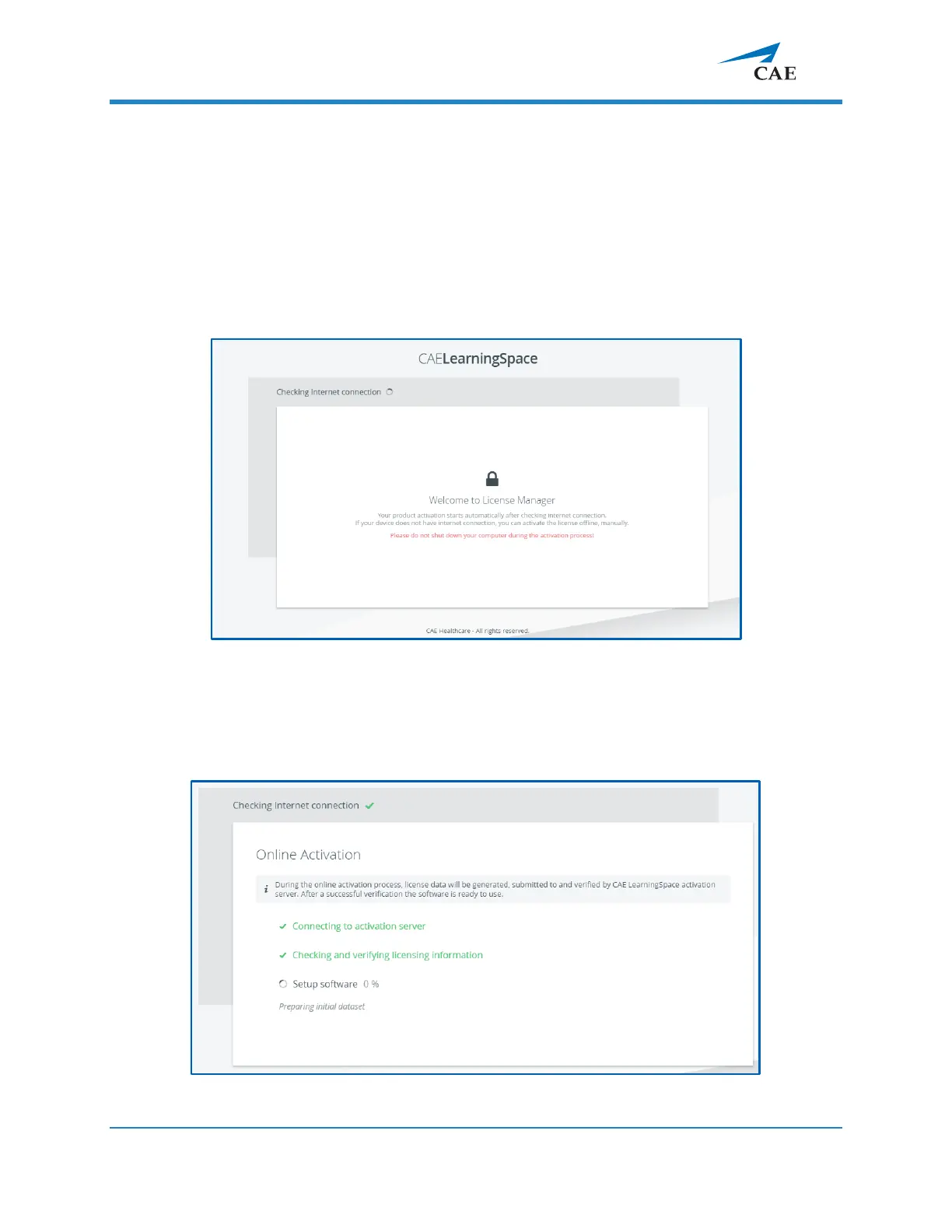
Following the network setup, the purchased CAE LearningSpace software can be activated
online (3.2.1) by connecting to the Internet or offline (3.2.2) − if the internet connection was
not detected successfully − by contacting the CAE support team.
IMPORTANT: During the activation process, the computer cannot be shut down.
3.1 The Continue to LearningSpace button or learning.space leads you to the
licensing page (unless the licensing has already been concluded).
3.2 The system checks for internet connection.
Click the Start Activation button on the licensing page to proceed.
3.2.1 Online activation
Detecting internet connection on the licensing page



 To Next Page