CAE LearningSpace
13
4.0 Initial System Setup
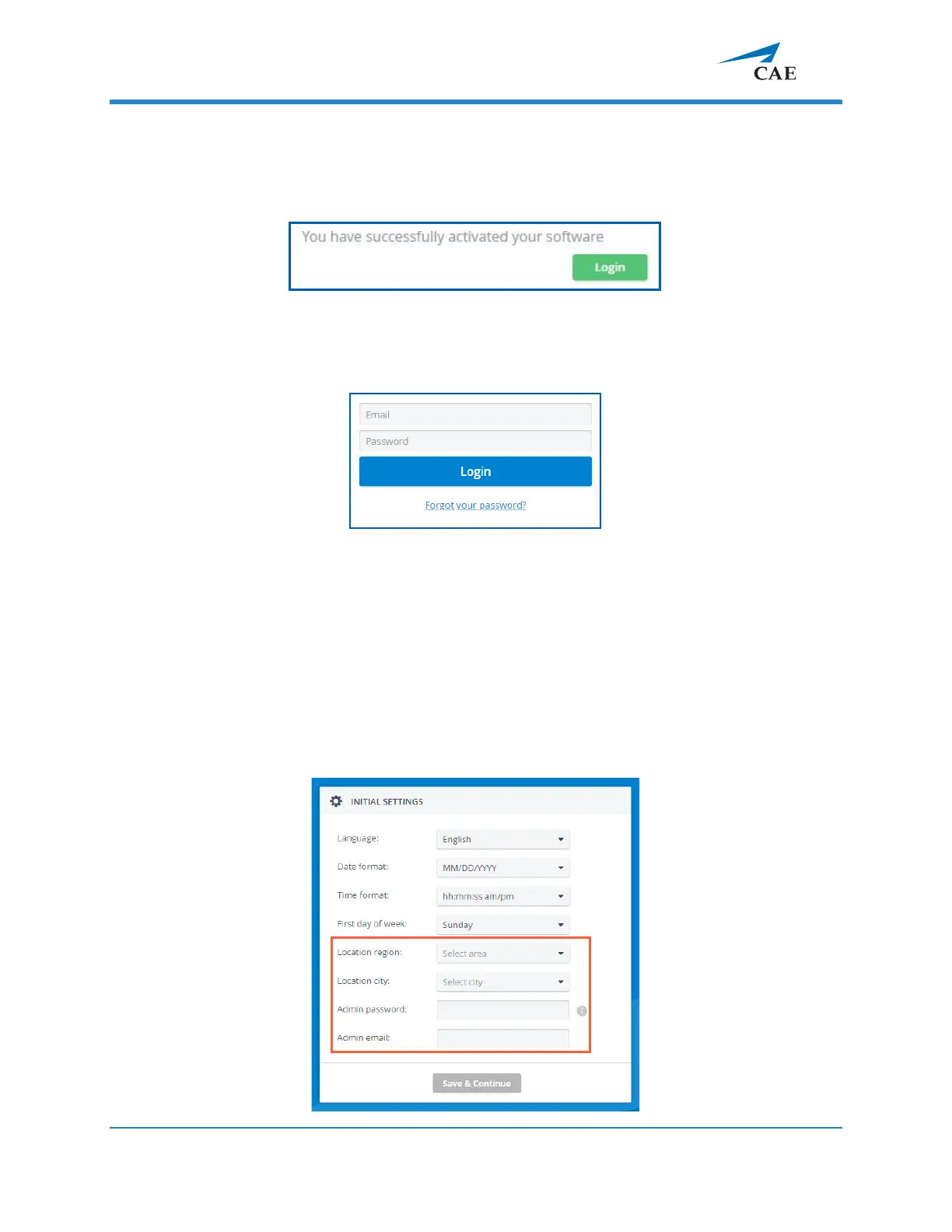
Once the licensing is successfully concluded, the Login button is displayed.
4.1 Click
Login
,
and you will land on the login page:
4.2 Loggi
ng in for the first time, enter the default email address and password:
email: admin@learning.space
password
: mls#changeme
You will be redirected to the
Initial Settings
tab.
4.3 Change the default email address and password on the first login. Admin
password, email, and location fields are required before continuing.



 To Next Page