Server-Based System Setup Guide
14
NOTE:
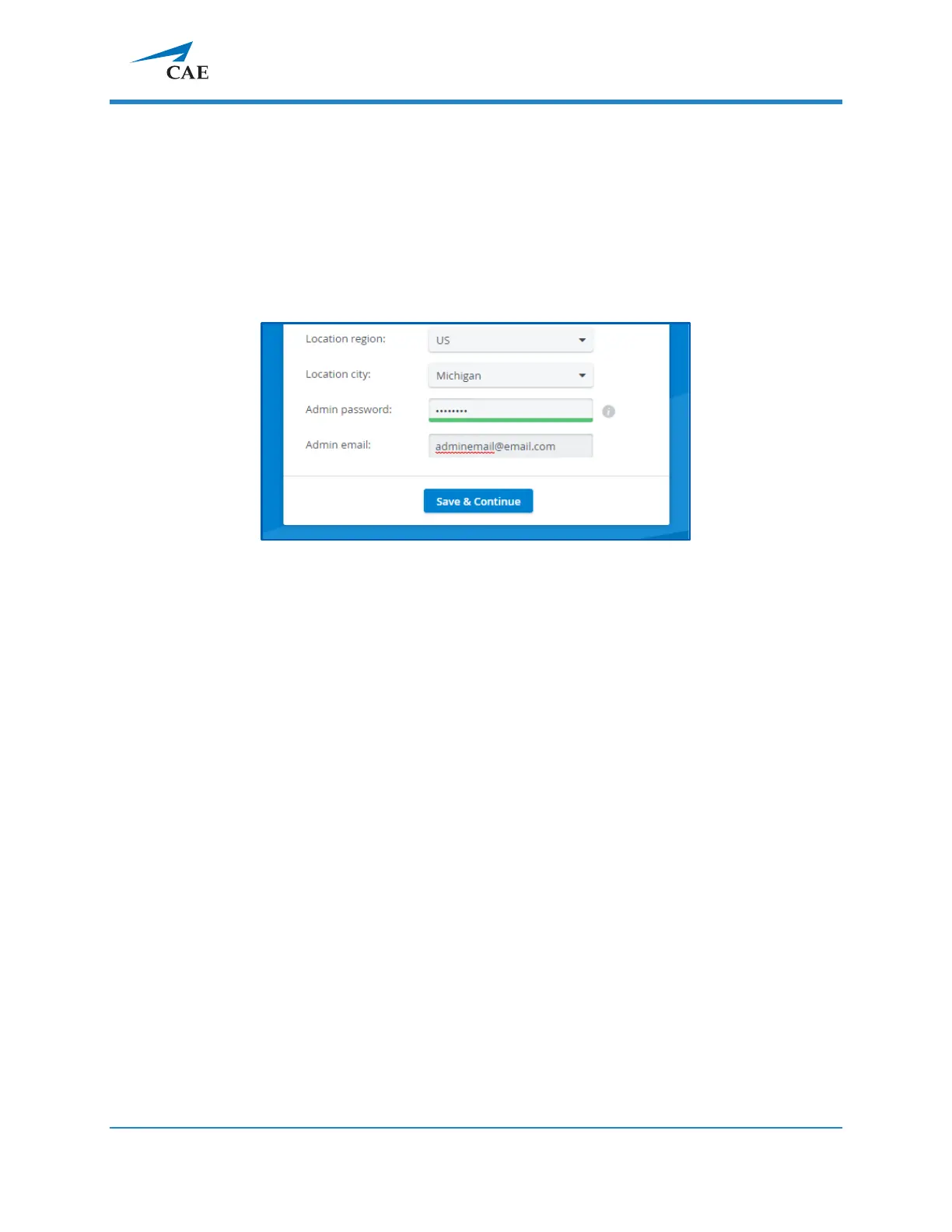
Passwords have to meet a minimum requirement to
ensure the security of your
user accounts. The new password has to be 8 characters or longer and has to include at least
one of each of the following characters: lower case letters, upper case letters, numbers, and
special characters/symbols.
You can change other settings (e.g., language, time format, etc.)
with the help of drop-
down menus (optional).
When all required fields are filled, the Save & Continue button becomes active.
4.4 Click
Save & Continue,
and
the system redirects you to the home page.
For further information on the software, please find the help site of the product you
are using at https://help.caelearningspace.com



 To Next Page