CAE LearningSpace
7
2.0 Initial Network Setup
This section will walk you through how to configure your CAE LearningSpace Connect
Server as a
•
MASTER Connect Server (see
2.1
)
•
SLAVE Connect Server (see
2.2
)
and helps you set up your server network connection and create the initial login:
2.1 To configure your server as a MASTER Connect Server:
2.1.1 Ensure your client computer is connected to the server Port 2 (A/V network) with
an Ethernet cable.
IMPORTANT: Make sure that this is the only network connection on your
computer, and the wired interface is set to DHCP.
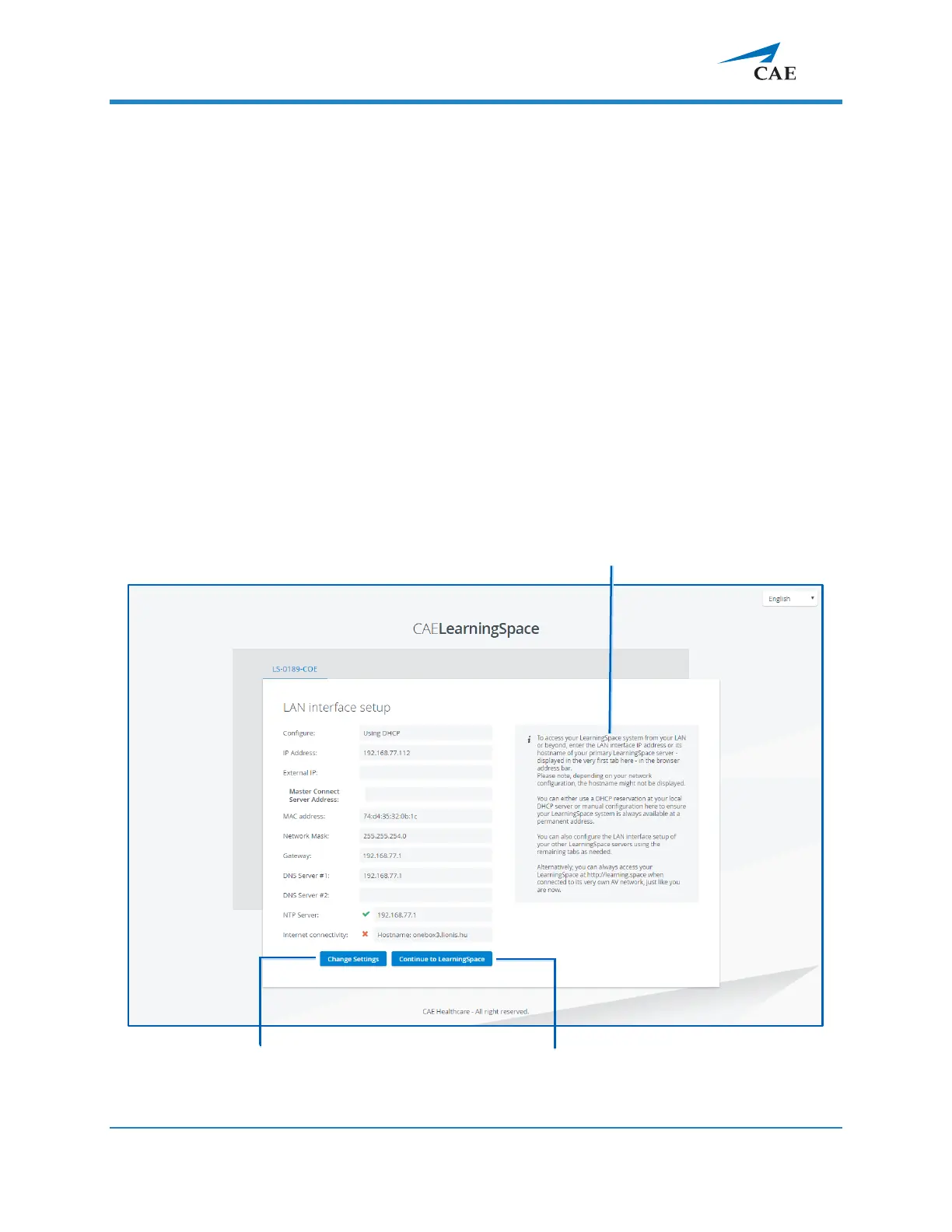
2.1.2 Open your browser and enter the address:
http://
setup.learning.space
The CAE LearningSpace initial setup screen appears.



 To Next Page