Server-Based System Setup Guide
6
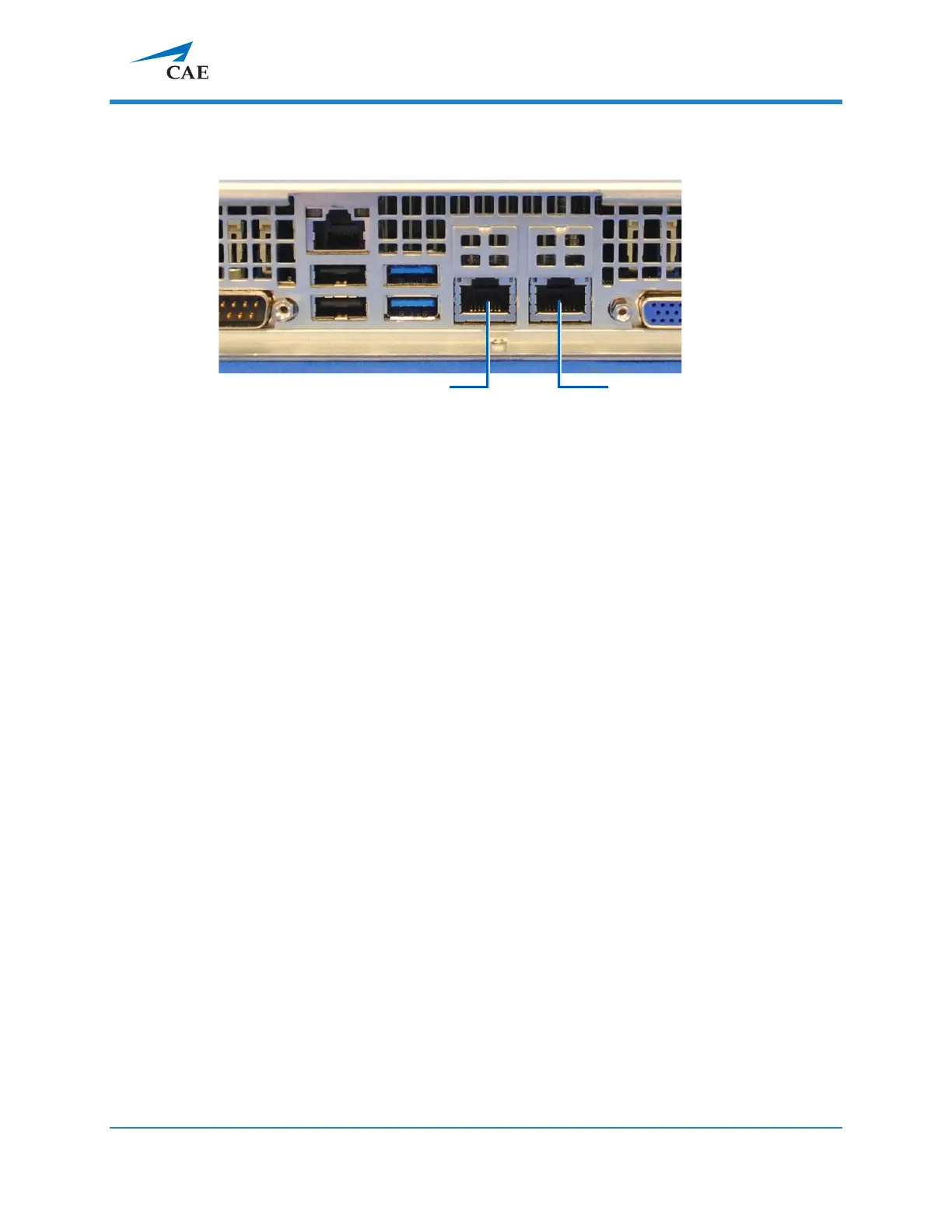
1.2. Connect one end of an Ethernet cable to the institution network and the other
end to Port 1.
NOTE: The default client access port is Port 1, which is dedicated to the
institution network. If it is not required to have the client access via the
institution network, Port 2 (A/V network) can be used for client access instead.
1.3. During the setup process (see 2.0 Initial Network Setup), connect your client
computer to Port 2 (A/V network).
**
IMPORTANT: Only Port 2 (A/V network) can be used during the initial network
setup. DHCP service runs only on this port.
If unsure,please consult with your local IT.
**
Client computer is not supplied.



 To Next Page