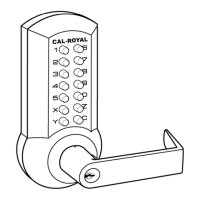
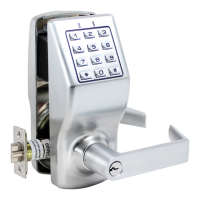
Need help?
Do you have a question about the Cal-Royal CRCODE-204 and is the answer not in the manual?
Procedure to modify the lever handedness of the outside lock.
Attach the mounting post to the outside lock and mounting plate.
Place the outside lock and fit the spindle into the exit device guide.
Mount the inside lock, fix it with screws, and attach the inside cover.
Check the lock is correctly fitted and test its functionality.
Enter existing code, turn lever, press Y, and release.
Set all buttons to non-code mode using the code change tool.
Confirm buttons are unset by testing the 'C' button and lever.
Use the tool to select and set the new code buttons.
Press 'C' then the new code, turn lever; Y button should pop up.
The first step in recovery is to detach the outside lock unit from the door.
 General
| Backset | 2-3/4" |
|---|---|
| Latchbolt | 1/2" Throw |
| User Codes | Up to 100 |
| Programming | Keypad |
| Power | 4 AA Batteries |
| Strike Plate Included | Yes |
| Latchbolt Throw | 1/2" |
| Number of Keys Included | 2 |
| Handing | Reversible |
| Finish | Satin Chrome |
| ANSI Grade | Grade 2 |

 To Next Page