16
The USB 3.2 Gen.2 USB-A port allows users to conveniently add any USB-A
device to their laptop such as a mouse, keyboard, or external storage device.
USB-A (10Gb/s Data Port)
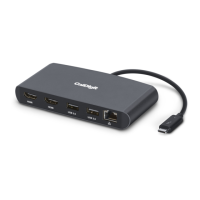
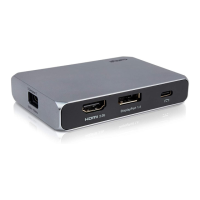
The USB-C SOHO Dock is a bus-powered device which means that it doesn’t
require an external power source to operate, as it draws power from the
computer’s port. However, users can connect their laptop’s USB-C charging
cable in order to charge their laptop.
Unlike cheaper hubs or docks, the USB-C SOHO Dock has just the right
amount of ports in order to not exceed the power provided by the
computer’s Type-C port. This means that when connected to a USB-C
10Gb/s, Thunderbolt
TM
3, or Thunderbolt
TM
4 host computer all the ports on
the dock can be used together at the same time without any problems.
iPad Pro and Windows tablet users should connect their Type-C charger to
the SOHO Dock before adding external storage devices to the SOHO Dock.
Bus-Powered


 To Next Page