Need help?
Do you have a question about the CalDigit TS3 Plus and is the answer not in the manual?
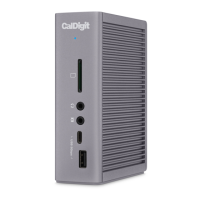
Overview of the CalDigit Thunderbolt Station 3 Plus and its capabilities.
Essential warnings for safe operation and environmental considerations.
Specifies the necessary hardware and software for using the TS3 Plus.
Lists all components included with the CalDigit TS3 Plus.
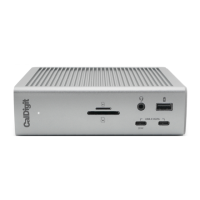
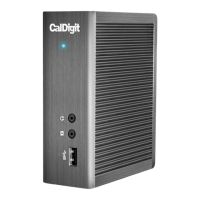
Visual guide identifying all ports and features of the TS3 Plus.
Instructions on how to connect and disconnect the power supply for the TS3 Plus.
Steps to connect the TS3 Plus to a computer and understand its LED indicator.
Guide on using the utility to safely eject USB storage devices.
Detailed overview of all interfaces supported by the TS3 Plus.
Information on using the DisplayPort for single and dual monitor setups.
Details on the functionality of the Gigabit Ethernet and audio ports.
Contact information and procedures for obtaining technical assistance.
Details about the product's warranty coverage and how to find more information.
 General
| AC adapter included | Yes |
|---|---|
| USB 2.0 ports quantity | 0 |
| Connectivity technology | Wired |
| USB 3.2 Gen 1 (3.1 Gen 1) Type-A ports quantity | 5 |
| USB 3.2 Gen 1 (3.1 Gen 1) Type-C ports quantity | 1 |
| Product color | Gray |
| Compatible memory cards | SD |
| Quantity per pack | 1 pc(s) |
| Harmonized System (HS) code | 84733020 |
 Weight and Dimensions
| Depth | 98.44 mm |
|---|---|
| Width | 40 mm |
| Height | 131 mm |
| Weight | 470 g |

 To Next Page