8
Connecting the TS3 Plus to your computer
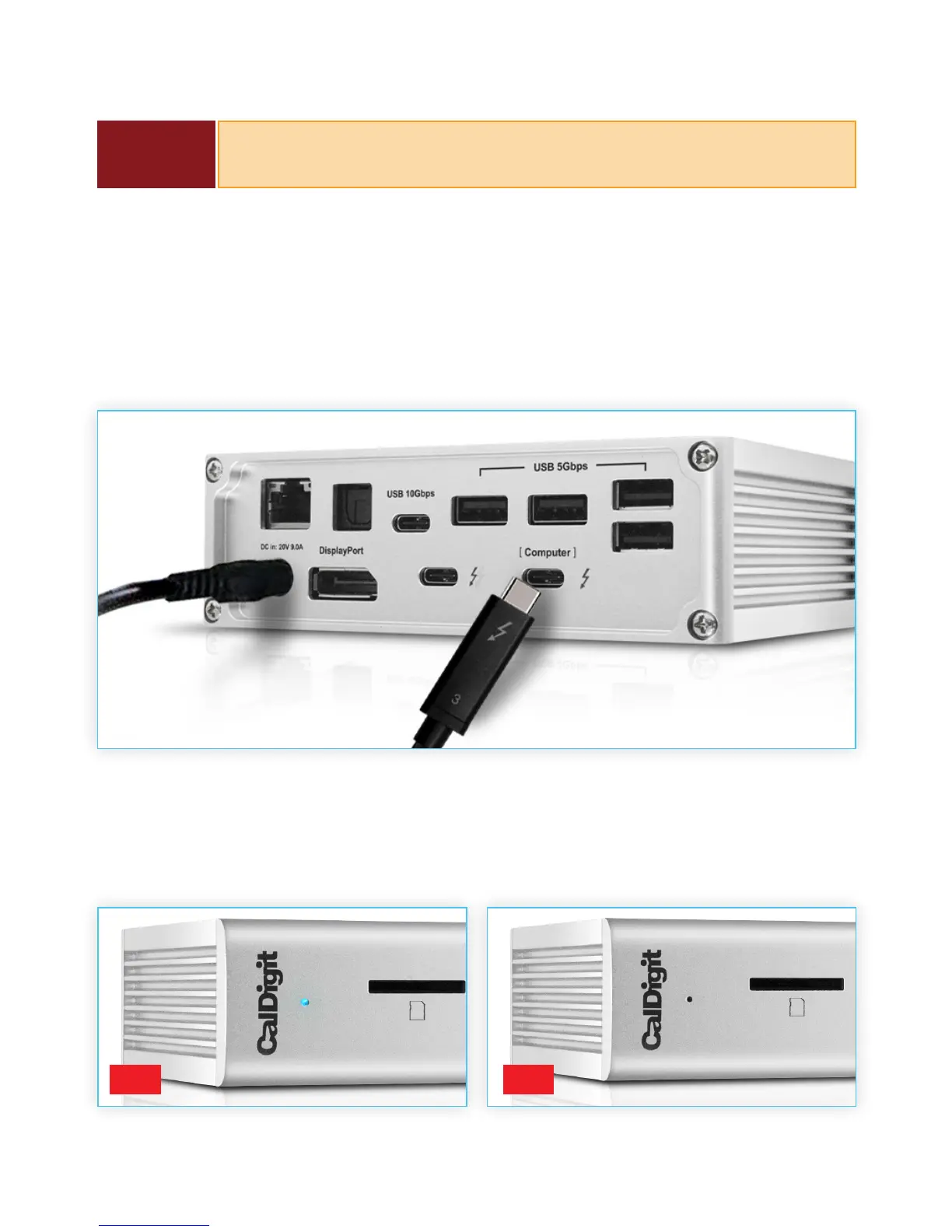
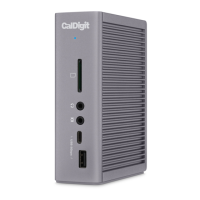
Once the TS3 Plus has been powered on, connect the device using a Thunderbolt™ 3 cable from
one of the Thunderbolt™ 3 port labeled “Computer” on the TS3 Plus to a Thunderbolt™ 3 port on
your computer. This single connection will now provide 85W charging for your laptop in addition
to expanding your connectivity options.
LED Indicator
The TS3 Plus is equipped with an LED indicator, which will display a BLUE light if the unit is powered
on and connected to your computer.
ON OFF
NOTE
Always use the supplied Thunderbolt™ 3 cable or a certied 40Gb/s
Thunderbolt™ 3 cable.


 To Next Page