10
Connecting the USB-C SOHO Dock
to your computer (Bus-Powered)
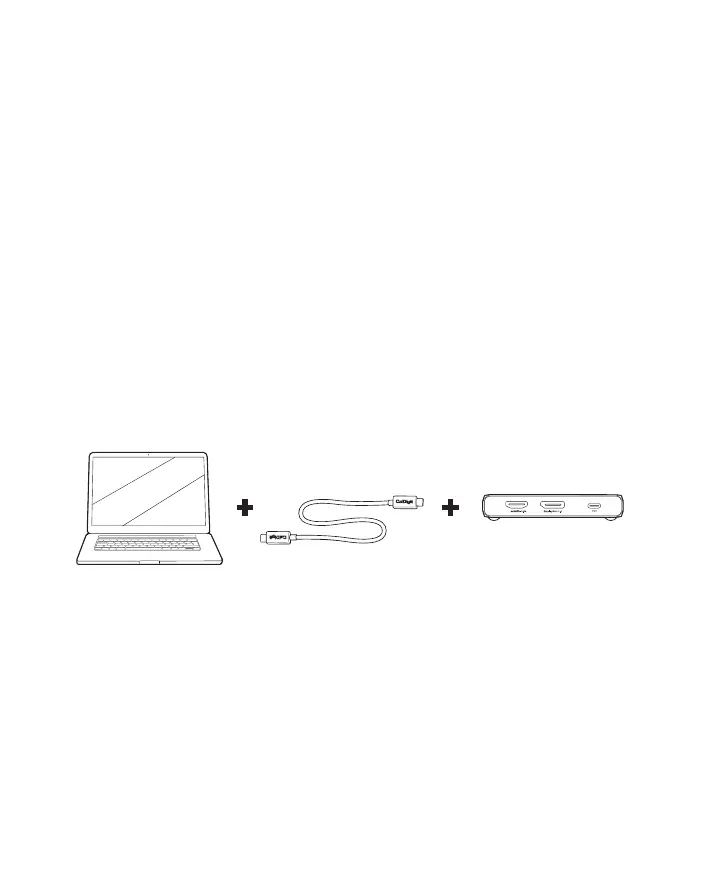
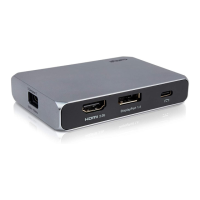
Connect one side of the supplied USB-C cable to the port labelled
[Computer] on the USB-C SOHO Dock.
[1]
Connect the other side of the USB-C cable to your computer’s USB-C,
Thunderbolt
TM
3 or Thunderbolt
TM
4 port.
The USB-C SOHO Dock is now powered by your laptop and ready to use.
1.
2.
3.
3. Using the USB-C SOHO Dock


 To Next Page