® SECTION 10: MANUAL KEY
making
since 1986
ater work
10A.3 Cycle and Soak during Manual
From the MANUAL IRRIGATION screen
(Figure 10.2):
1.
Press the PLUS or MINUS
keys to change the CYCLE &
SOAK DURING MANUAL
setting (Figure 10.2).
Note:
If set to YES, this will use the Soak-In-Time
and Minutes Per Cycle setting for each station
individually. IF “NO” then it will water the Total
Minutes time without soaking.
THIS CONCLUDES THE MANUAL WATERING
SECTION
10B. TEST
The Test section of the controller is used to:
• Learn expected flow rates at a station.
• Test an individual station.
• Test moisture sensors (If enabled).
From the MANUAL MENU screen (Figure 10.1):
1.
Press the TEST Menu key.
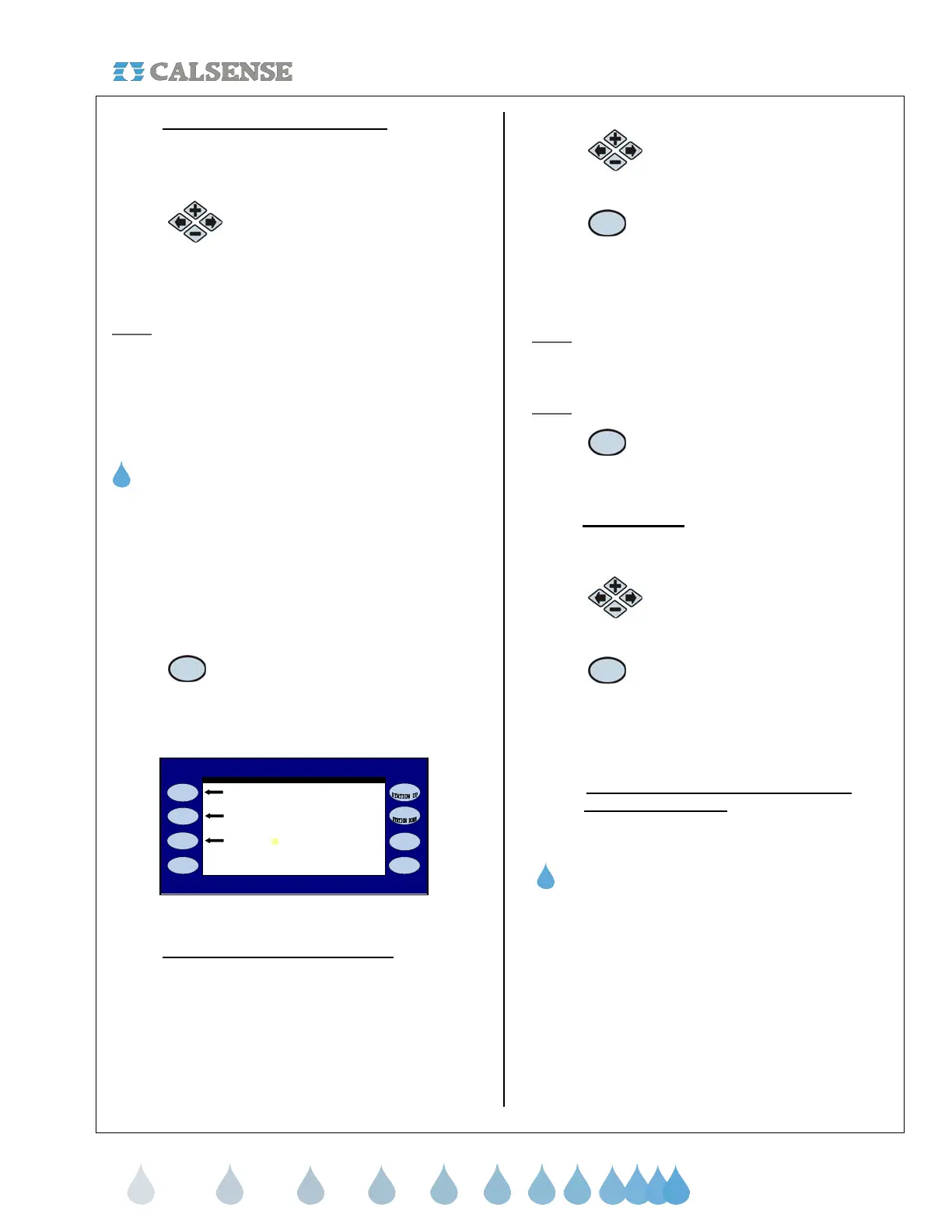
The VALVE TESTING screen is displayed
(Figure 10.4)
Test Station 1 for 2.0 minutes
Test Station 1 for Moisture Sensor Walk - Thru
0 GPM 0.00 AMPS
(MASTER)
ALVE TESTING
Learn the Expected at Station 1
Figure 10.4
10B.1 Learn the Expected at a Station
The Learn expected option on the controller will
learn the expected flow rate for each station on each
program selected. Only available if a flow meter is
installed.
From the VALVE TESTING screen (Figure 10.4):
1.
Press the PLUS or MINUS
keys to change the station
number.
2.
Press the LEARN THE
EXPECTED AT STATION #
Menu key to Learn The
Expected flow rate for the
Station selected.
Note: The IRRIGATION FOR STATION # screen
will come on for the station selected while it learns
the expected flow (Figure 10.3)
Note:
This will cause the station to turn on.
3. Press the DETAILS Menu key to
view, or clear the selected
station.
10B.2 Test a Station
From the VALVE TESTING screen (Figure 10.4):
1.
Press the PLUS or MINUS keys
to change the Station number.
2.
Press the TEST STATION #
FOR X.X MINUTES Menu
key to test the selected
station. The time is adjustable
from 0.1 to 20.0 minutes.
10B.3 Test a Station Moisture Sensor (See
Section 5 Moisture)
THIS CONCLUDES THE TEST SECTION
10C. MV OVERRIDE
The Master Valve Override section of the controller
is used for:
• Opening the Master Valve for a specific
amount of time.
• Setting up a weekly schedule for the Master
Valve to be opened.
From the Manual Menu screen (Figure 10.1):



 To Next Page