Cambridge Audio 550A & 650A
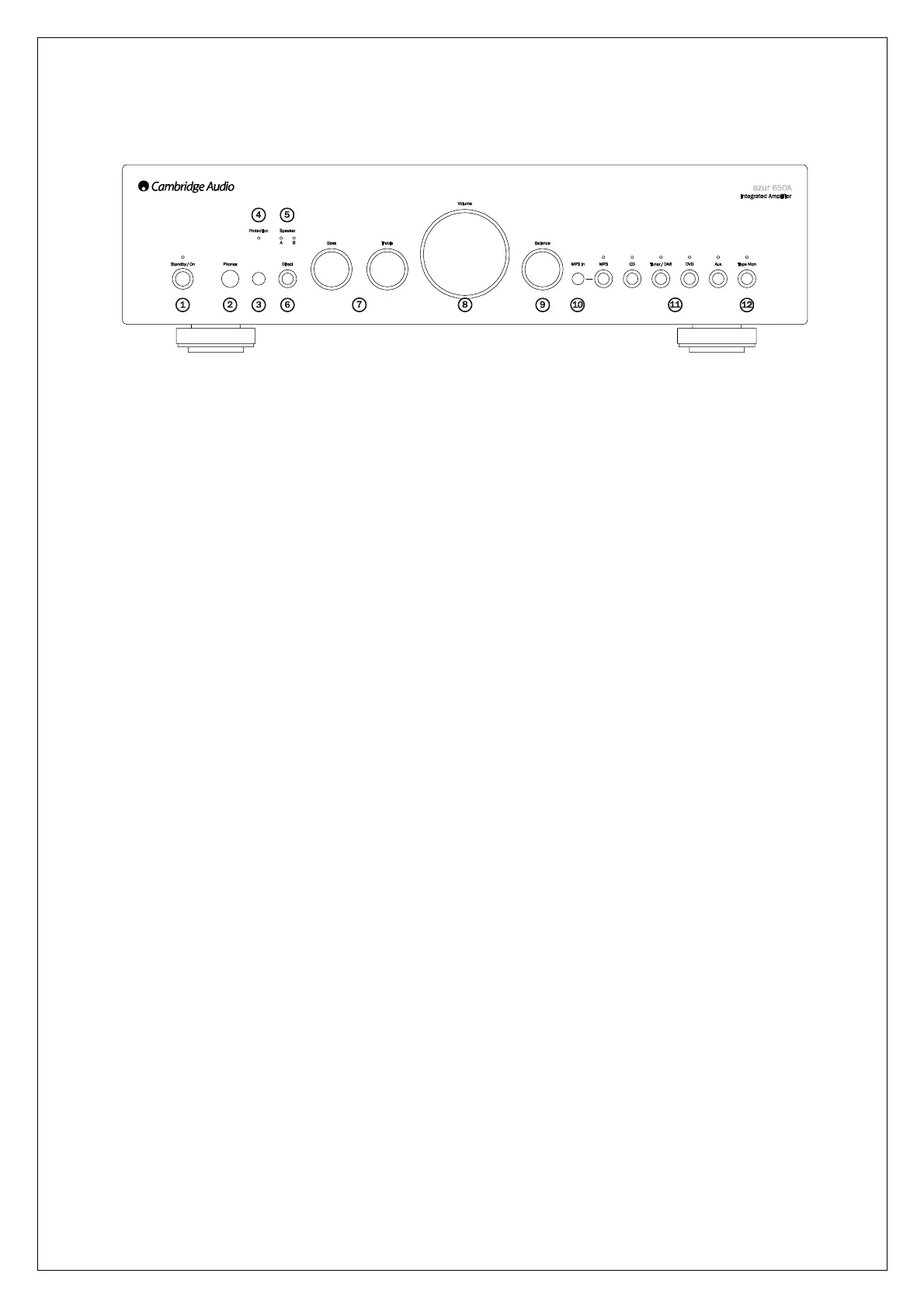
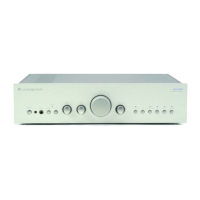
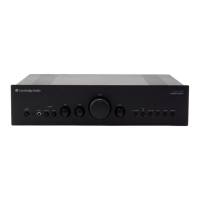
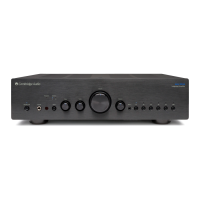
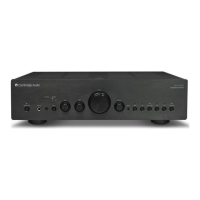
Front panel connections
1. Standby/On
Switches the unit between Standby mode (indicated by dim power LED) and On (indicated by bright
power LED). Standby is an eco power mode where the power consumption is less than one watt. The
unit is designed so that it can be left safely in Standby mode when not in use.
2. Phones
Allows for the connection of headphones with a ¼" jack plug connector. Headphones with an
impedance of between 32 and 600ohms are recommended. When the headphones are connected,
the loudspeaker relay is released switching off the output to the loudspeakers (speakers A and B).
3. Infrared sensor
Receives IR commands from the supplied Azur remote control. A clear, unobstructed line of sight
between the remote control and the sensor is required.
4. Protection
LED flashes to indicate activation of CAP5 protection system. Refer to the CAP5 section of this
manual for more information.
5. Speaker LEDs
Indicator shows the speaker terminals that are selected. The speaker terminals selected are changed
with the remote control.
6. Direct
This control gives the audio signal a more direct path to the power amplifier stage of your amplifier,
bypassing the bass and treble control circuits for the purest possible sound quality.
7. Bass and Treble
These controls allow subtle adjustments to the tonal balance of the sound. In the central position
these controls have no effect. They only modify the sound through your loudspeakers and the Pre-Out
sockets, and do not affect the signals sent through the Tape Out connections.
With a well-produced CD and a good system, the tone controls are unnecessary and can be switched
out by the ‘Direct’ switch. If the musical recording is of poor quality or other factors are affecting the
sound quality, it may be necessary to adjust the tone controls to compensate.
8. Volume
Use to increase or decrease the level of the sound from the outputs of the amplifier. This control
affects the level of the loudspeaker output, the pre-amp output and the headphone output. It does not




 To Next Page