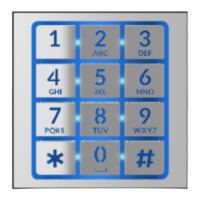
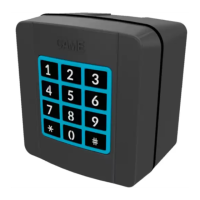
beep
PROGPROG
PROG
PROG
VA/01
MTMA/01
MTMV/01
Page 4 - Manual FA01031-IT - 08/2019 - © CAME S.p.A. - The contents of this manual may be changed, at any time, and without notice. - Translation of the original instructions
Page 4 - Manual FA01405-EN - 10/2019 - © CAME S.p.A. - The contents of this manual may be changed, at any time, and without notice. - Translation of the original instructionsPage 4 - Manual FA01405-EN - 10/2019 - © CAME S.p.A. - The contents of this manual may be changed, at any time, and without notice. - Original instructions
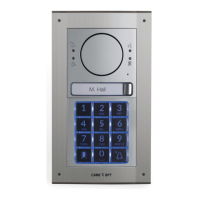
The LED on the entry panel and the
PROG LED on the power supply go out.
With VA/01
Briefl y press the PROG key .
With MTMA/01-MTMV/01 with-
out VA/01
Briefl y press the PROG key on the entry
panel .
Exiting Programming
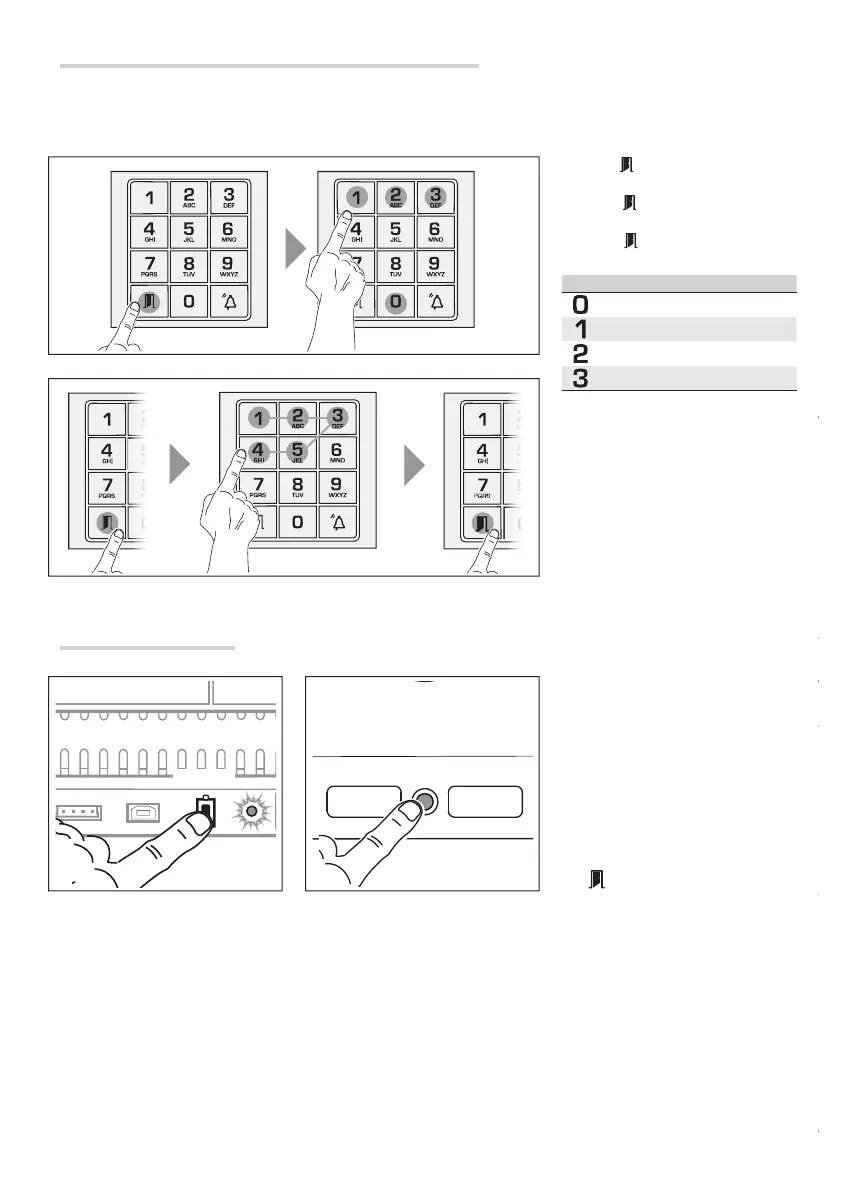
Press the key and 0, 1, 2 or 3 to iden-
tify the relay (see table).
Press key
and the code to be associ-
ated (from 3 to 5 digits) with the relay.
Press key again: a beep will confi rm
the relay association procedure .
Key Command
Auxiliary contact
Door release contact
Relay 1 on module VLS/2
Relay 2 on module VLS/2
? The door-release and relay code
programming procedure deletes all
the previously programmed codes.
Programming door-release codes and relay codes
This procedure lets you associate codes with the relays on the audio module MTMA/01, the video module MTMV/01, or on any
eventual VLS/2.
For example, you can open the front door with a code, or switch on the stairwell lighting with another code.



 To Next Page