
 To Next Page
N
Nicole SandersAug 6, 2025
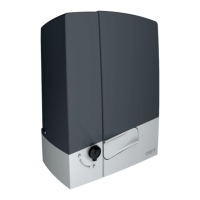
What to do if my CAME BXV06AGL shows an E3 motor control error?
- RRichard JohnsonAug 6, 2025
If your CAME Gate Opener displays an E3 motor control error, here are several things you can check: * Ensure cables MN and +E- are correctly connected. * Verify that the gate is not blocked. * Make sure the encoder module is installed. * Measure the voltage between points M and N. * Check if thermal protection has been activated. * Examine the position of the limit switches and speed during gate opening and closing. * Confirm that the control board is intact. * Inspect the motor for any damage.
 General